
Biblioteca de vídeos
GoHighLevel Calendar and Booking Tutorials
These tutorials cover calendars and booking in GoHighLevel. You learn to connect Google Calendar so you never double-book, generate dynamic Zoom links for meetings, import from Calendly, and display multiple calendars on one page. Booking is where a lead becomes an appointment, so the sync has to be reliable. Start by connecting your Google Calendar, then add the Zoom integration for online calls.
Atualizado em 2 de junho de 2026
Todos os tutoriais de Calendars & Booking
 1:54Generate Dynamic Meeting Links with the GoHighLevel Zoom Integration13 mil visualizações
 4:19How to Update Meeting Location with a Dynamic Zoom Link in GoHighLevel12 mil visualizações
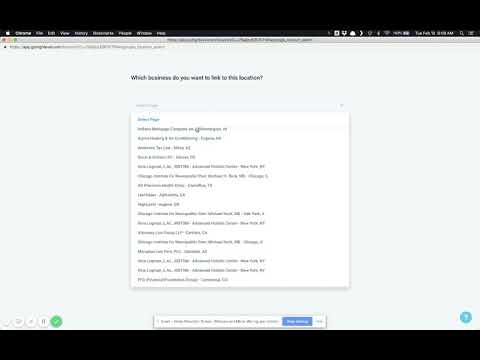 2:52Create a GoHighLevel Calendar and Connect It to Google Calendar9,9 mil visualizações
 6:07How to Integrate Calendly with GoHighLevel Calendars9 mil visualizações
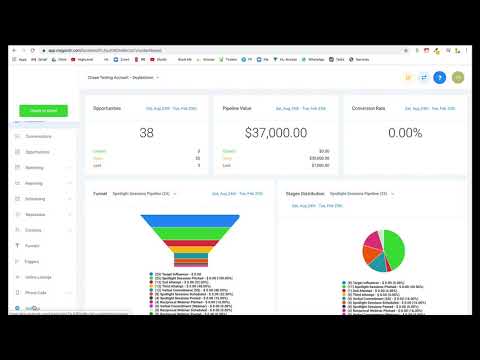 2:31How to Display Multiple GoHighLevel Calendars on One Page6,9 mil visualizações
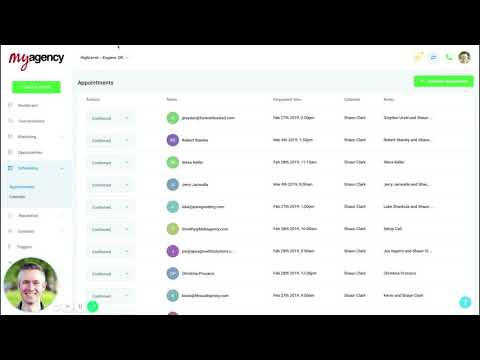 5:53How to Create an Appointment Reminder Campaign in GoHighLevel5,5 mil visualizações
 3:54How to Create a Round-Robin Calendar in GoHighLevel4,8 mil visualizações
 11:48Service Calendar Setup Guide for a Hair Salon in GoHighLevel4,5 mil visualizações
 3:01How to Use Custom Forms in GoHighLevel Service Menu Calendars4,2 mil visualizações
 1:25How to Embed a GoHighLevel Calendar on Any Page3,8 mil visualizações
 4:27GoHighLevel Workflow Recipe: Appointment Confirmation and Reminders3,8 mil visualizações
 9:22How to Set Up a Service Calendar for an Automotive Detailing Business3,7 mil visualizações
 1:08How to Block Off Dates and Times in Your GoHighLevel Calendar3,5 mil visualizações
 3:46How to Customize Your GoHighLevel Calendar Widget3,4 mil visualizações
 4:07How to Set Up and Manage Rental Calendars in GoHighLevel970 visualizações
 5:58How to Set Up Appointment Reminders and Confirmations in GoHighLevel911 visualizações
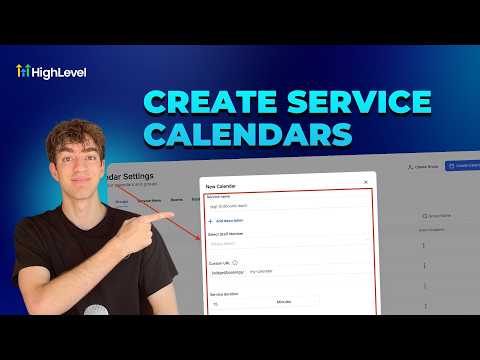 4:33How to Create a Service Calendar in GoHighLevel870 visualizações
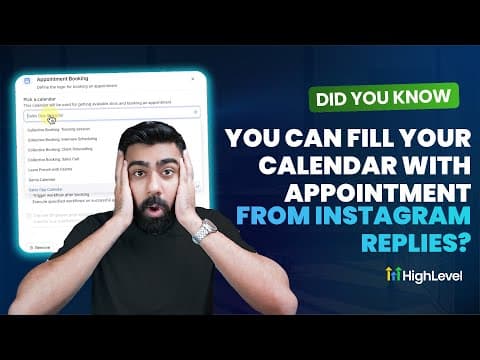 9:59How to Book Appointments Automatically from Instagram Replies in GoHighLevel859 visualizações
 2:04How Smart Calendars in GoHighLevel Automate Confirmations and Reminders546 visualizações
 3:42How GoHighLevel AI Books Appointments Around the Clock453 visualizações
 2:09How to Automate Client Check-Ins and Progress Updates in GoHighLevel436 visualizações
 1:59How to View Custom Form Submissions Inside the GoHighLevel Appointment Modal422 visualizações
 2:43How to Set Up an Event Calendar in GoHighLevel416 visualizações
 3:03How to Set Up a Round Robin Calendar in GoHighLevel309 visualizações
 1:20How to Collect Upfront Payments for Appointments in GoHighLevel274 visualizações
Temas relacionados
- CRM, Contacts & Lead GenRun the CRM: tags, custom fields, inbound webhooks, owners, smart lists, and opportunities across your pipelines.
- Workflows & AutomationBuild workflows from triggers and actions: spam management, Facebook and Instagram automation, the chat widget, and conversions back to the ads platform.
- Forms & SurveysCapture leads with forms and surveys: conditional logic, quizzes, submission tracking, math calculations, and styled surveys.
Perguntas frequentes
Does GoHighLevel sync with Google Calendar?
Yes. Connecting Google Calendar checks your real availability so you avoid double-booking.
Can I add a Zoom link to bookings?
Yes. The Zoom integration creates a unique meeting link for each appointment.
Can I move from Calendly to GoHighLevel?
Yes. You can import your Calendly setup into HighLevel calendars.
Can I show more than one calendar on a page?
Yes. You can display multiple calendars together on a single booking page.