AI & Voice Agents

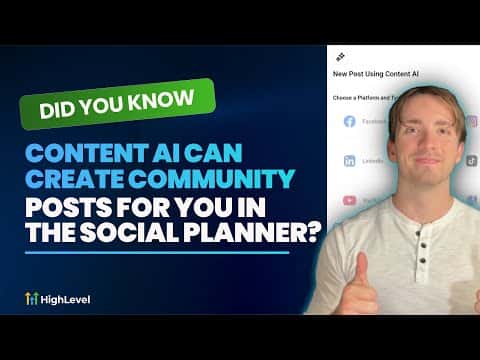
Create Community Posts with Content AI in GoHighLevel Social Planner

GoHighLevel's Social Planner lets you generate and schedule posts directly into a HighLevel community using Content AI. Open the Social Planner, connect your community as a channel, create a new post with Content AI, describe the topic and goal, then generate. The AI writes the post and you schedule or publish it without switching tools. Brand Voice makes the output match your existing content tone automatically.

Actualizado el 2 de junio de 2026

6:10

Resumen. GoHighLevel's Content AI, accessed through the Social Planner, can write community posts based on a topic and goal you describe. Connecting your community group as a social channel in the Social Planner unlocks it as a publishing destination alongside other platforms. Brand Voice can be applied so generated posts match the tone and style already established for your account, keeping content consistent across all channels.
Preguntas frecuentes

How do I add my community as a channel in the Social Planner?

Click Add New Social in the Social Planner and select Add a Community.

What is Brand Voice and why does it matter for community posts?

Brand Voice trains the AI on your existing content so posts match your tone.

Can I schedule community posts in advance using Content AI?

Yes, after generating, choose a future date and time before publishing.

Constrúyelo con gente que ya lo hizo.

Únete a la comunidad gratis: llamadas en vivo cada semana, un curso para empezar y gente que construye en tu idioma.

Únete gratis en Skool