Workflows & Automation

How to Automate Workflows with Custom Objects in GoHighLevel

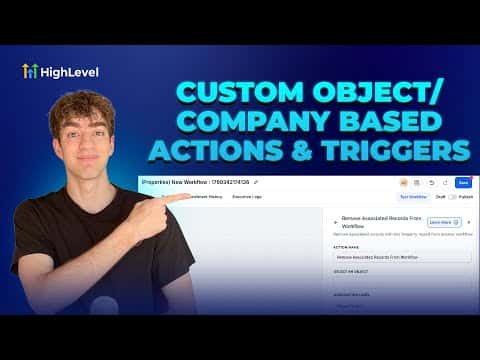
GoHighLevel custom object workflows let you build automations around things like properties, deals, cars, or projects, not just individual contacts. When a record changes, the workflow can automatically pull in all associated contacts, companies, or other custom objects and push them into a separate workflow for further action.

2026年6月2日に更新

2:20

概要. Custom object and company-based workflows in GoHighLevel extend automation beyond single contacts to entire relationship structures. After creating a custom object in Settings, a matching workflow type becomes available in Automations. The key action is 'Add Associated Record to Workflow,' which enrolls related contacts, companies, or custom objects into another workflow when the triggering record changes. Filtering by association label makes the targeting precise.

よくある質問

Where do you create a custom object in GoHighLevel?

Go to Settings, scroll to Objects, and create your custom object there.

What does 'Add Associated Record to Workflow' do?

It enrolls records linked to the current record into a separate workflow automatically.

Can you filter which associated records get enrolled?

Yes. Use association labels like buyer or account owner to target specific records.

すでに作った人たちと、一緒に作ろう。

無料コミュニティに参加しましょう。毎週のライブ通話、最初に見るコース、あなたの言語のビルダーがいます。

Skoolに無料で参加