Workflows & Automation

How to Automate Workflows with Custom Objects in GoHighLevel

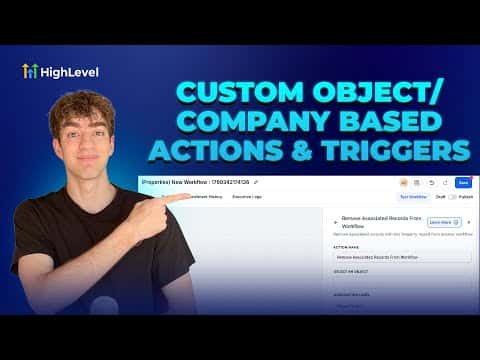
GoHighLevel custom object workflows let you build automations around things like properties, deals, cars, or projects, not just individual contacts. When a record changes, the workflow can automatically pull in all associated contacts, companies, or other custom objects and push them into a separate workflow for further action.

Atualizado em 2 de junho de 2026

2:20

Resumo. Custom object and company-based workflows in GoHighLevel extend automation beyond single contacts to entire relationship structures. After creating a custom object in Settings, a matching workflow type becomes available in Automations. The key action is 'Add Associated Record to Workflow,' which enrolls related contacts, companies, or custom objects into another workflow when the triggering record changes. Filtering by association label makes the targeting precise.

Perguntas frequentes

Where do you create a custom object in GoHighLevel?

Go to Settings, scroll to Objects, and create your custom object there.

What does 'Add Associated Record to Workflow' do?

It enrolls records linked to the current record into a separate workflow automatically.

Can you filter which associated records get enrolled?

Yes. Use association labels like buyer or account owner to target specific records.

Crie com quem já criou.

Entre na comunidade gratuita: lives semanais, um curso para começar e criadores no seu idioma.

Entre de graça no Skool