Workflows & Automation

How to Automate Tasks with GoHighLevel's Scheduler Trigger

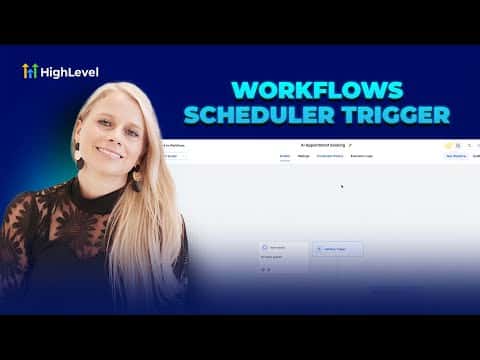
The scheduler trigger in GoHighLevel starts a workflow on a fixed clock interval rather than from a contact action. You can set it to fire hourly, daily, weekly, monthly, or on a specific one-off date. It works well for recurring internal tasks, timed reports, webhook syncs, and any automation that does not need a contact to do something first.

Atualizado em 2 de junho de 2026

2:46

Resumo. GoHighLevel's scheduler trigger runs workflows on a time-based schedule instead of waiting for a contact event. It supports hourly, daily, weekly, monthly, and custom cron intervals, with options to skip weekends and set an end date. Common uses include assigning daily tasks to team members, sending operations reports to Slack, and syncing data via webhook on a fixed cadence. One important limit: the scheduler trigger cannot share a workflow with any other trigger.

Perguntas frequentes

What is the scheduler trigger in GoHighLevel?

A workflow trigger that fires on a clock schedule, not from a contact action.

Can the scheduler trigger work alongside other triggers?

No. A workflow using the scheduler trigger can only have that one trigger.

Does the scheduler trigger require a contact to be enrolled?

No. It is contactless and runs independently of your CRM contacts.

Crie com quem já criou.

Entre na comunidade gratuita: lives semanais, um curso para começar e criadores no seu idioma.

Entre de graça no Skool