Workflows & Automation

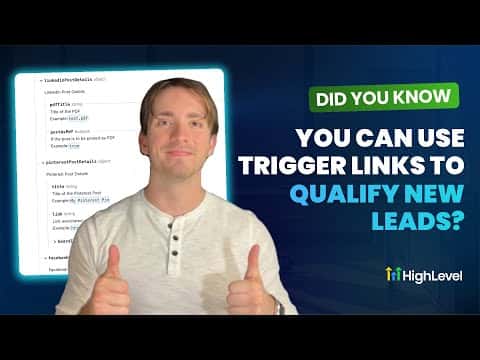
Use Trigger Links to Qualify Leads in GoHighLevel

Trigger links in GoHighLevel are trackable URLs you embed in emails or SMS messages. When a contact clicks one, the platform records the action and can fire a workflow. This creates a lightweight two-step confirmation process that filters out disengaged contacts before you invest time in them, without asking them to fill out another form.

2026年6月2日に更新

6:04

概要. GoHighLevel trigger links give you a way to measure real engagement from contacts who receive your messages. The typical setup involves creating a trigger link under Marketing, embedding it in an appointment confirmation message, and building a parallel workflow that tags or routes contacts based on whether they clicked. Contacts who click are confirmed as engaged; those who do not can be handled separately before the appointment or follow-up call.
よくある質問

Where do you create a trigger link in GoHighLevel?

Go to Marketing, then Trigger Links, and click Add Link.

Can trigger links work inside both email and SMS?

Yes. You can embed the trigger link key in either channel.

What happens when a contact clicks a trigger link?

GoHighLevel records the click and fires any workflow using the Trigger Link Clicked trigger.

すでに作った人たちと、一緒に作ろう。

無料コミュニティに参加しましょう。毎週のライブ通話、最初に見るコース、あなたの言語のビルダーがいます。

Skoolに無料で参加