Workflows & Automation

Integrate Typeform with GoHighLevel Workflows

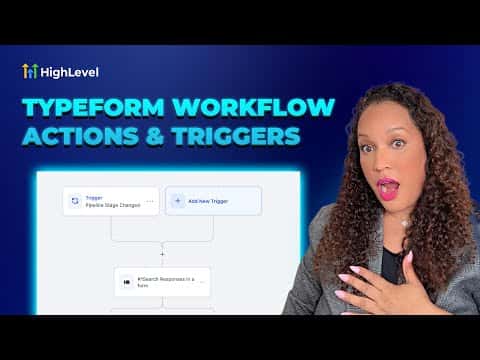
GoHighLevel connects directly to Typeform so that a new form submission can trigger a workflow instantly. Once the integration is authorized, you select a Typeform as the trigger source and then chain any GoHighLevel actions after it, such as updating a contact field, creating a task in a project tool, or sending an internal notification.

2026年6月2日に更新

6:07

概要. The Typeform integration in GoHighLevel workflows lets you fire automations the moment someone submits a Typeform. After connecting the integration under the workflow trigger settings, you choose which form to watch and then add actions like updating contact fields, sending notifications, or creating tasks in tools such as ClickUp. A second workflow direction also works in reverse: a GoHighLevel pipeline stage change can trigger Typeform actions like duplicating or searching a form.

よくある質問

How do you connect Typeform to GoHighLevel?

Add a Typeform trigger in a workflow, click Connect, and authorize via Typeform's OAuth.

Can GoHighLevel trigger Typeform actions, not just receive them?

Yes. Actions include creating, duplicating, or searching a Typeform from a workflow.

Is the ClickUp task action required when using Typeform?

No. It is one example. You can use any GoHighLevel action after the Typeform trigger.

すでに作った人たちと、一緒に作ろう。

無料コミュニティに参加しましょう。毎週のライブ通話、最初に見るコース、あなたの言語のビルダーがいます。

Skoolに無料で参加