Getting Started & General

Creating Your First Campaign in GoHighLevel

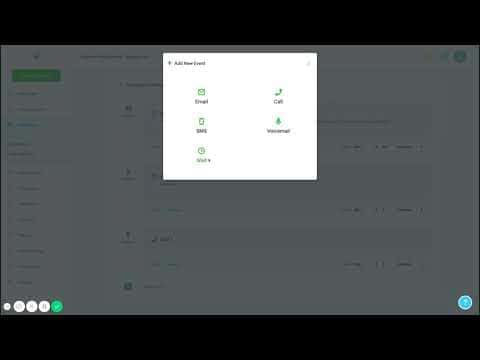
GoHighLevel campaigns let you build automated multi-step follow-up sequences combining SMS, email, phone calls, and voicemail drops. Each step fires on a schedule you set, and the campaign automatically stops when a contact replies. Start from Marketing > Campaigns, name your campaign, add steps in order, configure the delivery window, and add contacts to kick it off.

2026年6月2日に更新

8:07

概要. A GoHighLevel campaign is a timed sequence of outreach steps that runs automatically after a contact is added to it. You can mix SMS, email, outbound calls, and voicemail drops in any order, spacing each step by minutes or hours. Campaigns include a scheduling window to prevent messages outside business hours, and can create pipeline opportunities automatically when a contact responds.


よくある質問

Where do I create a campaign in GoHighLevel?

Go to Marketing > Campaigns, then click Create Campaign.

What channel types can I add to a campaign?

SMS, email, outbound phone calls, and voicemail drops.

Does a campaign stop when a contact replies?

Yes. GoHighLevel automatically stops the campaign when a reply is detected.

すでに作った人たちと、一緒に作ろう。

無料コミュニティに参加しましょう。毎週のライブ通話、最初に見るコース、あなたの言語のビルダーがいます。

Skoolに無料で参加