 4:04
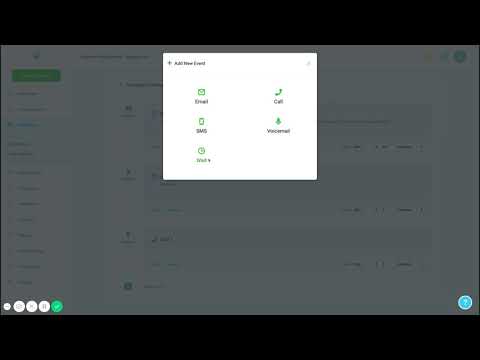
4:04概要. Custom menu links in GoHighLevel allow agencies to add branded shortcuts to the left sidebar, pointing to any URL. Each link gets its own icon, label, and open behavior (new tab, current window, or embedded iframe). Links can be shown to all sub-accounts or scoped to specific ones, and role-based visibility settings control which users see each link.
学べること
- How to navigate to Settings > Custom Menu Link at the agency level
- How to set a link name, URL, icon, and open behavior
- The difference between opening in a new tab versus embedding as an iframe
- How to restrict a custom menu link to one or more specific sub-accounts
- How to use role-based visibility to show links only to certain user types
ステップ
Switch to the agency account
Make sure you are in the agency dashboard. Look for 'Agency Dashboard' in the top navigation to confirm.
Go to Settings > Custom Menu Link
Click Settings in the sidebar, then select Custom Menu Link from the list. Click the blue 'Create New' button.
Choose an icon
Browse the icon picker and select one that represents the link's purpose. You can search by keyword to find a match quickly.
Enter the link name and URL
Type a short label for the menu item, then paste the full URL including https://. The platform validates that the URL format is correct.
Set sidebar and account visibility
Choose whether the link appears on the agency sidebar, sub-account sidebar, or both. If you want it on all sub-accounts, keep 'Show to all accounts' enabled. To limit it to one account, disable that toggle and select the specific sub-account.
Choose the open behavior
Select 'Open in a new tab' for external sites that do not support iframe embedding. Use 'Open within platform' (iframe) only for pages that allow it. 'Open in current window' is a third option.
Save and test
Click Save. Navigate to a sub-account and confirm the new menu link appears in the sidebar and opens correctly.
ヒント
- Not all websites allow iframe embedding due to security headers. If the link does not load inside the platform, switch to 'Open in a new tab'.
- Re-selecting the icon before saving if it does not stick on the first attempt sometimes resolves display issues.
- You can create as many custom menu links as you need by repeating this process.