मेन्यू
RocketLauncher

AI & Voice Agents

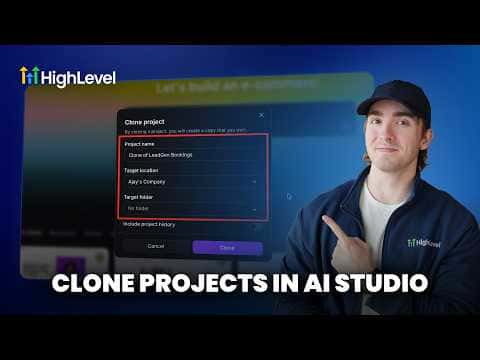
Clone AI Studio Projects Across Sub-Accounts in GoHighLevel

GoHighLevel AI Studio projects can be duplicated from one sub-account to another without rebuilding from scratch. Once you have a landing page or site working well in one account, use the clone function to copy that project into a different sub-account. This is useful for agencies managing multiple clients who need the same page structure with different branding or content.

अपडेट: 2 जून 2026

1:18

सारांश. The AI Studio clone feature in GoHighLevel lets you copy an entire page project from one sub-account and deploy it in another in a few clicks. The cloned project comes in as an editable draft so you can adjust colors, copy, and images to fit the new client before publishing. This removes the need to rebuild pages from a prompt each time you onboard a new account with a similar use case.

लोग जो सवाल पूछते हैं

Does cloning copy the published version or the draft?

It copies the full project so you can edit it as a draft in the new account.

Can I clone a project from any sub-account to any other?

Yes, as long as both accounts are under your agency in GoHighLevel.

Do I need to reconnect calendars and forms after cloning?

Yes, calendar and form connections are account-specific and must be reconfigured.

उन लोगों के साथ बनाएँ जो पहले बना चुके हैं।

फ्री कम्युनिटी से जुड़ें: हर हफ़्ते लाइव कॉल, एक स्टार्ट-हियर कोर्स और आपकी भाषा में बोलने वाले बिल्डर्स।

Skool पर फ्री जुड़ें