मेन्यू
RocketLauncher

Getting Started & General

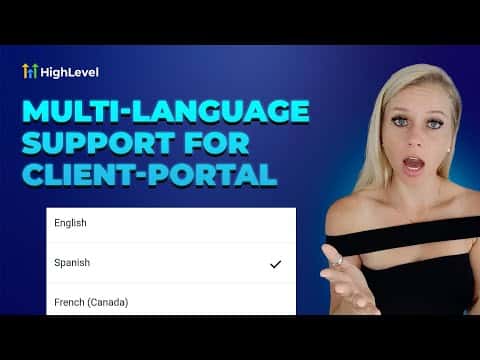
How to Change Languages in the GoHighLevel Client Portal

The GoHighLevel client portal supports over a dozen languages, and each user can switch independently without any help from the agency. On desktop, the setting is inside the profile menu under Language Settings. On the mobile app, the same option appears in the app's profile settings. Changes take effect instantly across the entire portal interface.

अपडेट: 2 जून 2026

1:37

सारांश. GoHighLevel client portal users can change their display language without agency involvement, both on the desktop browser version and the mobile app. Available languages include Spanish, French, Portuguese, German, Dutch, Italian, Danish, Norwegian, Finnish, and Swedish, with more being added over time. The switch is immediate and requires only a save to apply.


लोग जो सवाल पूछते हैं

Which languages are currently available in the client portal?

Spanish, French (Canada and France), Portuguese, German, Dutch, Italian, Danish, Norwegian, Finnish, and Swedish.

Does changing the language affect the agency's view?

No, it only changes the interface for that individual user's portal session.

Is the language setting available on mobile?

Yes, it is under Profile then Settings then Language Settings in the mobile app.

उन लोगों के साथ बनाएँ जो पहले बना चुके हैं।

फ्री कम्युनिटी से जुड़ें: हर हफ़्ते लाइव कॉल, एक स्टार्ट-हियर कोर्स और आपकी भाषा में बोलने वाले बिल्डर्स।

Skool पर फ्री जुड़ें