 4:09
4:09सारांश. GoHighLevel supports recurring live webinar series with flexible scheduling options: daily, weekly, monthly, or no fixed time for evergreen broadcasts. Once the cadence is set, the platform generates future sessions automatically, updates the broadcast page countdown between sessions, and adjusts reminder emails to each registrant's next upcoming date. Editing the schedule after a series has started is supported, and existing registrants are mapped to the new dates going forward.
स्टेप
Create a new live webinar
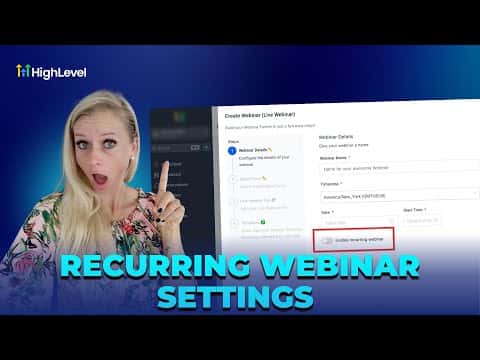
Go to Sites, then Webinars, and click New Webinar Funnel. Select Live Webinar, give it a name, set the time zone, and pick a start date and time.
Enable recurring settings
Toggle on Enable Recurring Webinar Settings. Choose a frequency: daily, weekly, or monthly. Set the repeat interval and pick an end condition (end date or number of occurrences).
Review automation behavior
Standard reminder workflows will automatically reschedule to each person's next session. No need to rebuild sequences. For post-webinar replays, create a separate on-demand webinar and share the link via post-event automation.