 2:46
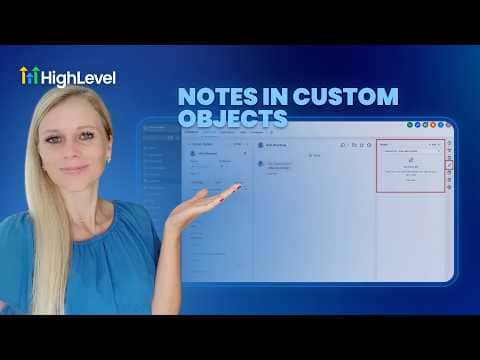
2:46सारांश. GoHighLevel's Notes feature works inside Custom Objects, letting you add, search, filter, and sort notes on any custom record type. You can also associate notes created on a Contact or Opportunity to a linked custom object, so the same context is visible wherever the record is referenced across the CRM.
स्टेप
Add a note to a custom object record
Navigate to Custom Objects on the left sidebar, open the relevant object type, select a record, and click Notes on the right panel. Click Add Note, type your content, and hit Create.
Search and filter notes
Use the search bar inside the Notes panel to find notes by keyword. Apply filters and sort by date created to manage longer note histories on busy records.
Associate a contact note to a custom object
Open a Contact, go to Notes, and create or open a note. Scroll to the Associate To section, choose your custom object type, select the specific record, and save. The note now appears on both the contact and the linked custom object.