मेन्यू
RocketLauncher

Calendars & Booking

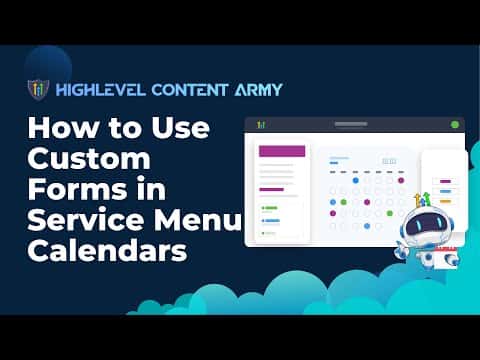
How to Use Custom Forms in GoHighLevel Service Menu Calendars

Service menu calendars in GoHighLevel normally collect only a name, email, and phone number at booking. You can replace that default form with a custom form that asks any additional questions you need. Build the form in the Forms Builder under Sites, then link it to your service menu calendar through Calendar Settings.

अपडेट: 2 जून 2026

3:01

सारांश. GoHighLevel allows you to attach a custom form to a service menu calendar, replacing the default contact fields with questions tailored to your business. The form is created separately in the Sites section and then selected inside the service menu calendar settings. Anyone booking through that service menu will complete your custom questions during the scheduling flow. Setting up a service menu calendar also requires enabling the Service Menu toggle in Preferences and organizing calendars into groups first.
लोग जो सवाल पूछते हैं

Where do I build the custom form before attaching it?

Go to Sites, then Forms Builder. Create your form there, then return to Calendar Settings to link it.

Does the custom form replace the default name and email fields?

The custom form replaces the default booking form entirely. Include any fields you still need in your custom form.

What do I need before I can create a service menu calendar?

Enable the Service Menu toggle in Preferences, create at least one service-type calendar, and add it to a group.

उन लोगों के साथ बनाएँ जो पहले बना चुके हैं।

फ्री कम्युनिटी से जुड़ें: हर हफ़्ते लाइव कॉल, एक स्टार्ट-हियर कोर्स और आपकी भाषा में बोलने वाले बिल्डर्स।

Skool पर फ्री जुड़ें