मेन्यू
RocketLauncher

Calendars & Booking

How to Embed a GoHighLevel Calendar on Any Page

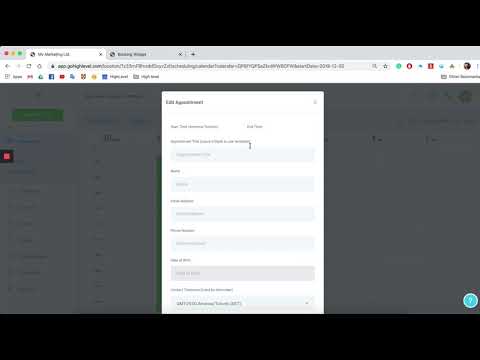
GoHighLevel provides an embed code for every calendar you create. Copy it from the Appointment Widgets section in Settings and paste it into any HTML editor to display the booking widget. If you are building a page inside GoHighLevel's funnel builder, you can skip the embed code entirely and use the native Calendar element instead.

अपडेट: 2 जून 2026

1:25

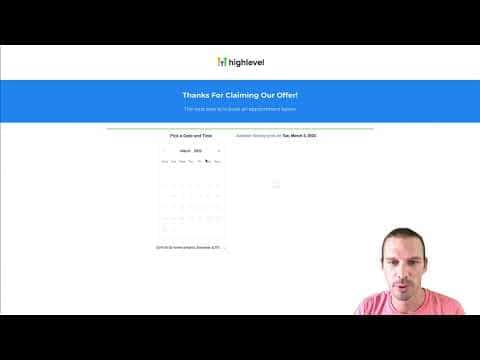
सारांश. Embedding a GoHighLevel calendar lets visitors book appointments directly from your website, a landing page, or any HTML-capable page builder. The embed code sits inside Settings under Appointment Widgets and works on external platforms like WordPress. Inside GoHighLevel funnels, a dedicated Calendar element handles the same job without needing to paste code manually.
लोग जो सवाल पूछते हैं

Where do I find the embed code for my calendar?

Go to Settings, then Calendars, and click the widget or embed icon next to the calendar name.

Do I need the embed code to add a calendar to a GoHighLevel funnel page?

No. Use the built-in Calendar element in the funnel builder and pick your calendar from the dropdown.

Will the embed code work on a WordPress site?

Yes. Paste it into any HTML or custom code block and the booking widget will display.

उन लोगों के साथ बनाएँ जो पहले बना चुके हैं।

फ्री कम्युनिटी से जुड़ें: हर हफ़्ते लाइव कॉल, एक स्टार्ट-हियर कोर्स और आपकी भाषा में बोलने वाले बिल्डर्स।

Skool पर फ्री जुड़ें