 3:28
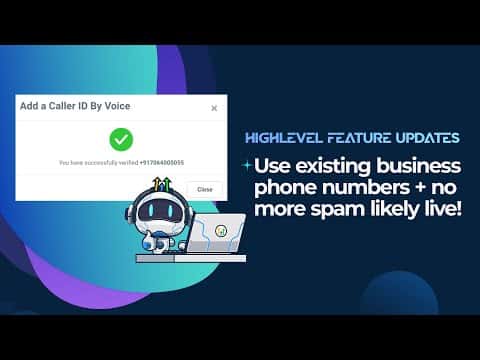
3:28Resumen. Verified Caller ID and Shaken/STIR registration are two separate but complementary features in GoHighLevel's LC Phone system. Verified Caller ID connects a business's existing phone number to the account so outbound calls show that number on the recipient's screen. Shaken/STIR registration confirms the calling number with carriers, reducing the chance the call is marked as spam. Both are set up inside the Trust Center within the sub-account.
Lo que aprenderás
- Understand what Verified Caller ID does and why it lifts answer rates
- Understand what Shaken/STIR registration does for outbound call trust
- Enable trusted calling through the Trust Center in a GoHighLevel location
- Verify an existing business phone number as the outbound caller ID
- Coordinate the verification call with the business owner to complete the process
Pasos
Confirm LC Phone is enabled on the account
Verified Caller ID and Shaken/STIR are only available when the LC Phone system is active for the sub-account. Check under Settings or the Agency dashboard to confirm LC Phone is on.
Open the Trust Center inside the location
Navigate into the GoHighLevel sub-account (location). Go to Settings and look for the Trust Center option. This is where both phone trust features are managed.
Register for Shaken/STIR (trusted calling)
Inside the Trust Center, click Enable Trusted Calling. Follow the registration steps on screen. The process is straightforward and confirms your number with carriers so outbound calls are less likely to be labeled as spam.
Add the caller ID number for Verified Caller ID
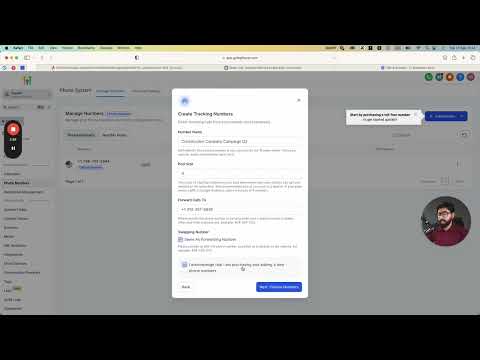
Still inside the Trust Center, locate the Verified Caller ID section. Enter the existing business phone number you want to use as the outbound caller ID. GoHighLevel will place a verification call to that number.
Enter the verification code when the call arrives
Coordinate with the business owner or be at the business phone when the verification call comes in. The call will read out a code. Enter that code in GoHighLevel to complete verification. Once confirmed, the number becomes available as a caller ID for outbound calls.
Consejos
- Do the verification step when the person who answers the business phone is available so you can complete it in one go.
- Shaken/STIR and Verified Caller ID are separate registrations. Complete both to get the full benefit.
- These features apply to the LC Phone system specifically. If you are using a connected Twilio account, the setup differs.