Reporting & Dashboards

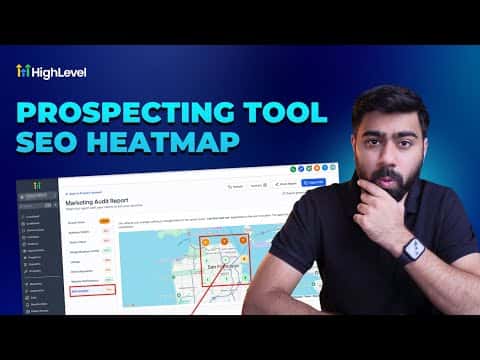
How to Use GoHighLevel's SEO Heatmap in Prospecting Reports

GoHighLevel's prospecting tool includes a local SEO heatmap that shows where a business ranks on Google for a given keyword across a geographic grid. Each grid point reveals the exact ranking position for that location, making it easy to spot ranking gaps and use them as a concrete reason to reach out. You can export the report as a PDF or shareable link.

Actualizado el 2 de junio de 2026

4:05

Resumen. This tutorial shows how to generate an SEO heatmap for a prospect inside GoHighLevel's prospecting tool. It covers selecting a grid size, setting a coverage radius, running the local search, reading the results, adding additional keywords, and exporting the report to share with the prospect as part of a pitch.

Preguntas frecuentes

Where is the SEO heatmap tool inside GoHighLevel?

It is inside the prospecting tool in your agency account, within the generated report for a specific business.

What does the heatmap grid show?

Each point shows the business's Google ranking position for the chosen keyword in that geographic area.

Can I check multiple keywords on one heatmap?

Yes. Add additional keywords and run the local search again to generate a new heatmap for each.

How do I share the heatmap with a prospect?

Export the full report as a PDF or copy the shareable link to send via email or text.

Constrúyelo con gente que ya lo hizo.

Únete a la comunidad gratis: llamadas en vivo cada semana, un curso para empezar y gente que construye en tu idioma.

Únete gratis en Skool