 10:39
10:39Resumen. Understanding where replies land after you send an email from GoHighLevel is important before you start active campaigns. The default behavior keeps replies inside the platform where automations can act on them. A reply-to address changes that by redirecting replies outside the platform entirely. Email forwarding is a different option that copies replies to an outside address without losing them in Conversations. This tutorial walks through both settings, explains the key differences, and shows how to test each one so you know exactly what to expect when contacts write back.
Lo que aprenderás
- How GoHighLevel handles email replies by default and where they appear
- What setting up a reply-to address actually does to incoming replies
- The difference between a reply-to address and email forwarding
- How to configure dedicated header settings to control the displayed from address
- How to test reply behavior and confirm where responses land
Pasos
Open Email Services in your sub account
Go to Settings in your sub account and click Email Services. Confirm your email service is configured. If you are using LC Email, make sure your dedicated domain is active.
Open Reply and Forward Settings
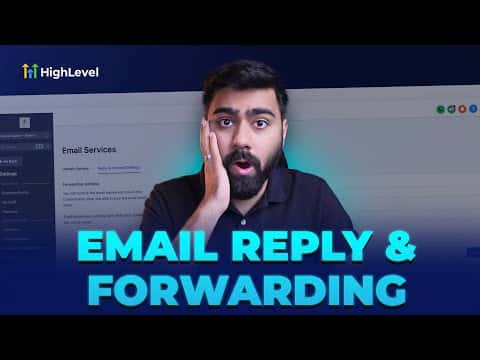
Click the Reply and Forward Settings tab inside Email Services. You will see two fields: Reply Address and Forwarding Address.
Understand the default reply behavior
When both fields are empty, all replies to emails sent from this sub account come back into GoHighLevel Conversations. This lets workflows and automations react to replies. This is the recommended default for most accounts.
Set a reply-to address (if needed)
If you enter an email in the Reply Address field, replies will go to that external inbox and will no longer appear in GoHighLevel Conversations. Only do this if you intentionally want replies to bypass the platform. Save after entering the address.
Set a forwarding address (if needed)
The Forwarding Address field sends a copy of inbound replies to an outside address. Unlike the reply-to setting, this does not remove replies from Conversations. The platform still processes them, and your external inbox also gets a copy. Useful for clients who want to monitor replies directly.
Configure the dedicated header settings
Back in Dedicated Domain, find the Dedicated Header section. Set the From display name and From email to what you want recipients to see. The actual sending still goes through your authenticated subdomain, but this controls the display name shown in recipients' inboxes.
Test your reply configuration
Send a test email from a contact record in Conversations. From your personal inbox, reply to it. Check whether the reply appears in GoHighLevel Conversations or goes to the address you specified. Adjust settings if the behavior does not match what you intended.
Consejos
- If you set a reply-to address, be aware that GoHighLevel workflows triggered by 'contact replies to email' will no longer fire because replies never reach the platform.
- The forwarding address is useful for agency setups where a client wants visibility into replies without you giving them access to the GoHighLevel sub account.