AI & Voice Agents

How to Invoke AI Agents in GoHighLevel Workflows

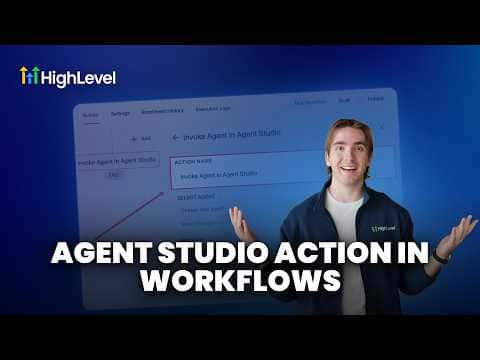
GoHighLevel workflows can trigger an AI agent built in Agent Studio using the Invoke Agent action. For an agent to appear in the workflow action selector, it must be set to the Workflows trigger type inside Agent Studio and promoted to production. Once those two conditions are met, you can pass it a message, attach files, or reference it by dynamic agent ID inside any automation.

Atualizado em 2 de junho de 2026

5:02

Resumo. GoHighLevel's Invoke Agent workflow action connects Agent Studio agents directly to your automations. The agent must have its trigger set to Workflows and be promoted to production before it shows up in the action's selector. From there you can send a message, add attachments, or use a dynamic agent ID pulled from an inbound webhook or custom field.

Passos

  1. Set the agent trigger to Workflows in Agent Studio

    Open the agent in Agent Studio, click the trigger node, and change the trigger type to Workflows. Agents with other trigger types will not appear in the Invoke Agent selector.

  2. Publish and promote the agent to production

    Click Publish in Agent Studio, then click Promote to Production. Agents in draft status are not accessible from automations.

  3. Add the Invoke Agent action to your workflow

    In the workflow builder, add a new action, find Invoke Agent, and select your published agent from the dropdown.

  4. Optionally pass a message or attachments

    The message and attachment fields are not required. Use them when the agent needs an initial input, a file reference, or a dynamic ID sourced from an earlier workflow step.

Perguntas frequentes

Can I invoke an agent that uses a form submission trigger?

Only if you change its trigger to Workflows first. Then it will appear in the selector.

How do I use a dynamic agent ID instead of selecting from the list?

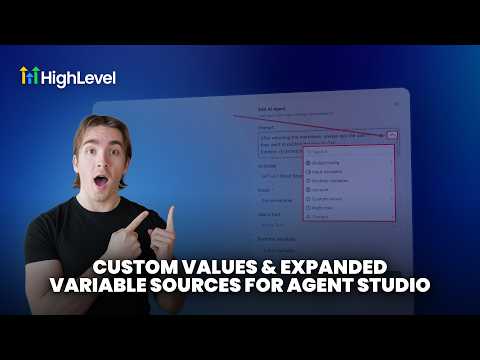
Switch the selection mode to dynamic fields and map the agent ID from a webhook or custom variable.

Why does my agent not appear in the Invoke Agent dropdown?

The agent must be set to the Workflows trigger type and promoted to production, not left in draft.

Crie com quem já criou.

Entre na comunidade gratuita: lives semanais, um curso para começar e criadores no seu idioma.

Entre de graça no Skool