AI & Voice Agents

How to Use Variables in GoHighLevel Agent Studio

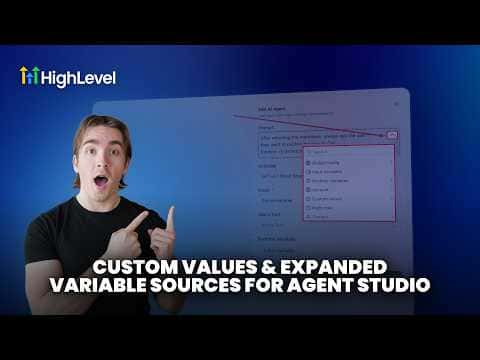
GoHighLevel Agent Studio supports four categories of variables: custom fields (contact-level data like name and email), custom values (account-level data like your business name), global configuration variables (static values you set once per agent, such as API keys), input variables (values passed in when the agent runs), and runtime variables (values created dynamically by tools during execution, such as a generated image URL). Each type is accessible from the variable dropdown inside any AI agent node prompt.

Atualizado em 2 de junho de 2026

9:15

Resumo. Agent Studio in GoHighLevel gives you structured access to contact data, account settings, and dynamic values generated during a run. Global variables hold fixed data for the entire agent, input variables accept values from outside the agent, and runtime variables are created automatically by tools like image generation or text output. All of these appear in the prompt variable picker on any AI agent node.

Perguntas frequentes

What is a runtime variable in Agent Studio?

A value created automatically by a tool during the agent's run, such as a generated image URL.

Where do I access variables inside an AI agent node prompt?

Click the dropdown on the right side of the prompt field to browse all variable types.

What is the difference between a custom value and a custom field?

Custom fields are contact-level data. Custom values are account-level data shared across contacts.

Crie com quem já criou.

Entre na comunidade gratuita: lives semanais, um curso para começar e criadores no seu idioma.

Entre de graça no Skool