 3:59
3:59Resumo. GoHighLevel includes a built-in redirect tool that can permanently forward one domain to another, including all paths, using a wildcard setting. This is useful for fixing duplicate-content issues between www and non-www versions of a site, consolidating old domains, and ensuring that bookmarked or linked URLs land on the right destination. The setup takes under two minutes from the Domains tab inside any sub-account.
O que você vai aprender
- Why www and non-www versions of a site create duplicate-content problems for search engines
- What a 301 permanent redirect does and why it matters for SEO
- How the asterisk wildcard in GoHighLevel captures every path on a domain
- How to add both domain versions and create a redirect in GoHighLevel
- Why built-in redirect tools beat manually creating rules at a domain registrar
Passos
Add both domain versions
In GoHighLevel, go to the Domains tab for the sub-account. Make sure both your www and non-www domains are already added so the platform recognizes them.
Open URL Redirects
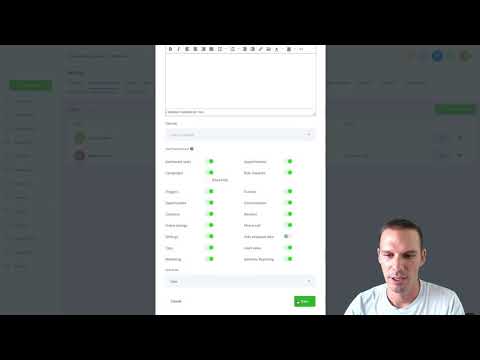
Still in the Domains area, click URL Redirects, then click Add Redirect.
Choose the source domain
In the domain dropdown, select the domain you want to redirect away from. For most sites this is the www version.
Select 'All' for the path
Instead of typing a specific path, choose 'All' from the path options. This inserts the asterisk wildcard automatically, capturing every page on that domain.
Set the target domain
Choose the destination domain (typically your non-www root domain). The path field will be greyed out because the wildcard handles it.
Save the redirect
Click Add or Save. GoHighLevel will now 301-redirect any visitor or crawler hitting any URL on the source domain to the matching URL on the destination domain.
Dicas
- A 301 redirect passes most ranking signals to the destination, so consolidating www traffic this way is good for search visibility.
- Test the redirect by typing a specific path (like yoursite.com/about) on the source domain in a browser to confirm it lands on the right destination path.
- Many domain registrars like GoDaddy do not support wildcard path forwarding, making GoHighLevel's built-in tool a practical alternative.