Forms & Surveys

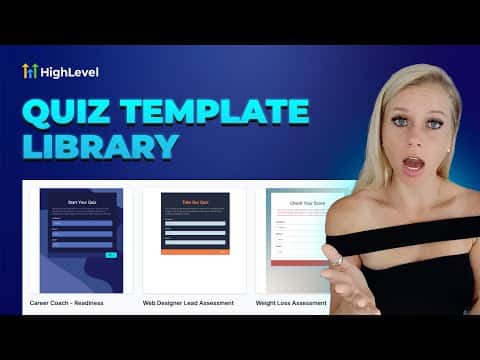
How to Use the Quiz Template Library in GoHighLevel

GoHighLevel's quiz template library gives you pre-built, categorized quiz designs you can add to your account in a few clicks and then customize fully. Browse by category, pick a template, hit Continue, and the quiz lands in your builder ready to edit. Nothing in your existing quiz library is overwritten.

Atualizado em 2 de junho de 2026

1:42

Resumo. The template library inside GoHighLevel Quizzes works the same way as other template libraries in the platform. Templates are grouped by niche and use case, so a career coach can filter for career templates while a fitness trainer picks from fitness options. After importing a template, every element, color, question, and option is editable. The template is a starting point, not a locked design.
Perguntas frequentes

Where do I access the quiz template library in GoHighLevel?

Go to Sites, then Quizzes, then Builder, then click Add Quiz and select the Templates option.

Will importing a template overwrite my existing quizzes?

No. The template is added as a new quiz and does not affect any quizzes already in your account.

Can I edit a quiz after importing it from the template library?

Yes. Every element, color, and question is fully editable after import.

Crie com quem já criou.

Entre na comunidade gratuita: lives semanais, um curso para começar e criadores no seu idioma.

Entre de graça no Skool