Forms & Surveys

How to Edit Forms, Surveys, and Quizzes Inline in GoHighLevel

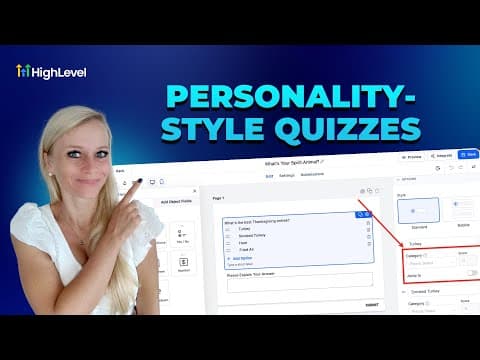
GoHighLevel lets you click directly on any label, placeholder, or button text inside a form, survey, or quiz and type your changes without opening a separate settings panel. Dropdowns, checkboxes, and radio buttons are also editable inline. Changes appear instantly on the canvas but do not save until you click Save in the top right corner.

Atualizado em 2 de junho de 2026

1:17

Resumo. Inline editing removes the extra steps that previously required opening a settings panel to change a field label or button text. Click any text element on the form canvas and type your update directly. The feature covers text fields, placeholder text, submit buttons, dropdowns, checkboxes, and radio buttons. The right-side settings panel remains available for properties that cannot be edited inline, such as validation rules and field requirements.


Perguntas frequentes

Does inline editing work for surveys and quizzes too?

Yes. Inline editing applies to forms, surveys, and quizzes in GoHighLevel.

Does GoHighLevel autosave inline edits?

No. Click Save in the top right corner to commit any changes made inline.

Can I edit dropdown options inline?

Yes. Click a dropdown element on the canvas and modify option text directly in the element.

Crie com quem já criou.

Entre na comunidade gratuita: lives semanais, um curso para começar e criadores no seu idioma.

Entre de graça no Skool