 1:56
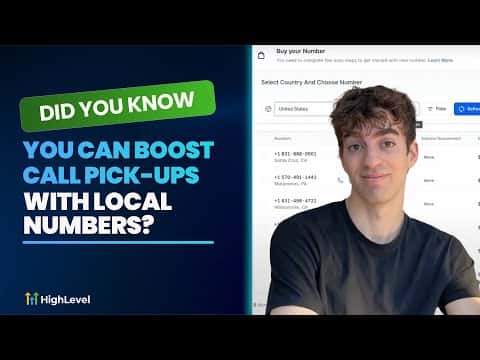
1:56概要. Local presence dialing in GoHighLevel automatically selects a caller ID that matches the area code of whoever you are calling. You buy and verify local numbers for each region you target, then enable the setting in Settings, Phone Numbers, Advanced Settings, Outbound Call. When no local number matches exactly, the platform falls back gracefully to a nearby regional number or your business default, keeping outbound calls clean and answer rates high.
ステップ
Open phone number settings
In your GoHighLevel account go to Settings, then Phone Numbers. Click Advanced Settings in the top right corner.
Enable local presence dialing
Under Voice Calls, find the Outbound Call section and select Local Presence Dialing. This tells the system to match caller ID to the contact's area code.
Purchase and verify local numbers
Click Manage Numbers to see your current numbers. To add a new one click Add Number, choose a local number with voice and SMS capabilities for the regions you call, and complete verification.