 1:29
1:29概要. The solar snapshot gives solar agencies and lead generators a ready-to-use funnel without building from scratch. It includes a landing page focused on a free solar quote offer, a popup-based survey that collects lead information, and an optional appointment booking step. The setup guide included in the snapshot explains what to update after import.
学べること
- Understand the solar snapshot funnel structure
- See how the popup survey replaces an embedded form
- Decide whether to include or skip the book-a-call step
- Know what to customize after importing the snapshot
ステップ
Import the solar snapshot
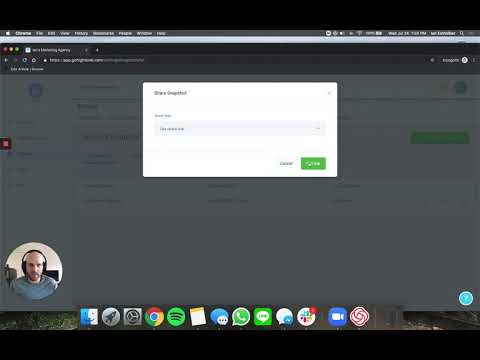
Load the solar snapshot into the sub-account where you will run the campaign. Use the Load Snapshot flow from the Manage Client menu at the agency level.
Review the landing page
Open the funnel inside the sub-account. The landing page advertises a free solar quote and invites visitors to take a short survey. All buttons on the page trigger the same survey popup.
Check the popup survey
Open the survey builder to review the questions. The popup design keeps the landing page layout clean. Edit questions to match your campaign target.
Decide on the booking step
The funnel includes a second step for booking a call. Keep this step if you are qualifying and closing leads yourself. Remove it and redirect to a thank-you page instead if you are sending leads directly to a buyer or lead aggregator.
Follow the setup guide
Open the setup guide included in the snapshot. It lists every element that needs updating before the funnel goes live, such as phone numbers, calendar connections, and notification emails.