 2:59
2:59概要. Branded domains in sub-accounts make every client-facing link, from invoices to booking pages, appear under a domain that belongs to that client rather than your agency. This tutorial covers finding the branded domain setting, adding the domain, handling automatic versus manual CNAME configuration depending on the registrar, and confirming the result across invoices, forms, and calendar links.
学べること
- Find the Branded Domain field in Business Profile settings
- Add a sub-account domain and trigger CNAME creation
- Authorize automatic DNS updates for supported registrars
- Manually add a CNAME record for other domain providers
- Verify the branded domain appears on invoices, forms, and calendar links
ステップ
Open the sub-account Business Profile
Switch into the sub-account, go to Settings, and open Business Profile. Scroll down to the Branded Domain section.
Enter the branded domain
Type the domain in the format link.clientdomain.com. The link prefix is required because CNAME records only work on subdomains. Click Add Domain.
Authorize automatic DNS (supported registrars)
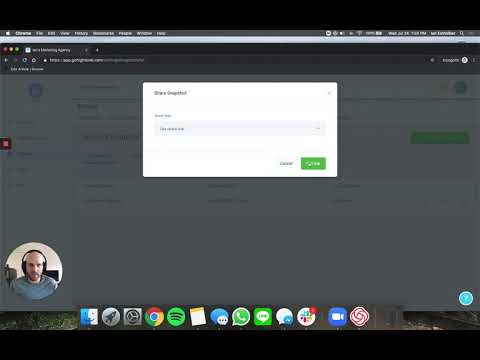
If the domain is registered with Google Domains, GoDaddy, or another supported provider, GoHighLevel prompts you to authorize it. Click Yes, Connect and then close the dialog. The CNAME record pointing to link.messagesender.io is added automatically.
Add the CNAME manually (all other providers)
For Cloudflare, Squarespace, or other registrars, copy the target shown in the dialog (link.messagesender.io). Log into your domain registrar, open DNS settings, create a new CNAME record with host set to link and value set to link.messagesender.io, and save.
Verify the branded domain is active
Create a test invoice, open a form, and check a calendar booking link. All three should now display link.clientdomain.com instead of your agency domain.
ヒント
- Set up a branded domain for every client sub-account, even if they share the same agency umbrella. It matters most for client-facing documents like invoices.
- If you do not set a branded domain, the agency domain appears on all client-facing links by default.
- DNS propagation for manual CNAME records can take a few minutes to an hour depending on the registrar's TTL settings.