 2:02
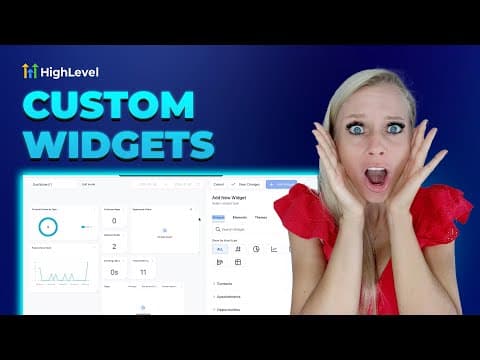
2:02概要. This tutorial demonstrates adding external content to a GoHighLevel dashboard using the Embed widget. It shows how to paste an iframe code to display a YouTube video and how to use a URL embed to load a support page inside the dashboard, including how to resize widgets and control whether the title bar is visible.
ステップ
Open the embed widget
In the dashboard editor, click Add Widget, then go to the Objects tab. Select Embed and choose either URL or iFrame depending on what you want to display.
Paste your content and save
For iFrame, paste the full embed code from the source (YouTube's share menu, for example). For URL, paste the direct link to the page you want to load. Give the widget a name, optionally hide the title in Advanced Settings, and click Save.
Resize and arrange the widget
Drag the widget's edges to resize it. You can make it full width for a support page or keep it smaller for a video. Save changes when the layout looks right.