 3:31
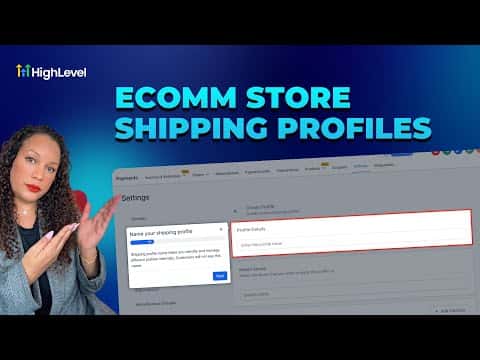
3:31概要. Shipping profiles in GoHighLevel give you precise control over what customers pay for delivery based on product type, weight, and destination. The general profile is always active as a fallback, while custom profiles let you set unique rates for specific stores, products, or geographic zones. Both flat rates and conditional pricing (price-based or weight-based) are supported, and you can offer free shipping by leaving the rate amount blank.
ステップ
Go to Shipping and Delivery settings
In your sub-account, click Payments in the left menu, then click Settings at the top. Scroll down to Shipping and Delivery.
Add zones to the general profile
Under the General profile, click the plus button to add a zone. Select the regions you want to cover, then save.
Set a rate for each zone
Choose flat rate and enter a name, description, and amount. To use conditional pricing, select price-based or weight-based and enter minimum and maximum thresholds. Leave the amount blank to offer free shipping.
Create a custom profile for specific products
Click the plus Add Custom button, name the profile, select the stores it applies to, and add the products you want to include. Add a zone and rates just as you did for the general profile.