 2:18
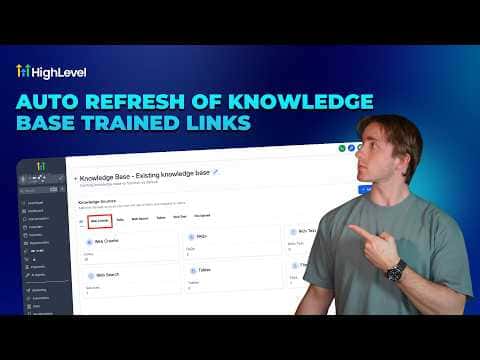
2:18概要. GoHighLevel AI agents can be trained on live web pages, but those pages change. The Auto Refresh setting inside the Web Crawler section of a knowledge base automatically re-crawls all linked URLs at a chosen interval, keeping the agent's information current without any manual work. For small sites with just a few pages, daily works well. For knowledge bases with hundreds or thousands of links, monthly is a more practical choice. If a page goes offline during a refresh, its data is removed from the knowledge base automatically.
ステップ
Open your knowledge base
In your GoHighLevel account, go to AI Agents, then Knowledge Bases, and click Edit on the knowledge base you want to update.
Enable Auto Refresh
Under the Web Crawler section, find the Auto Refresh toggle and turn it on.
Choose a refresh frequency
Select Daily, Weekly, or Monthly. Pick based on how often your source pages change and how many links the knowledge base contains.
Save the setting
Click Save. The system will now re-crawl all URLs in that knowledge base on the schedule you chose, with no manual intervention required.