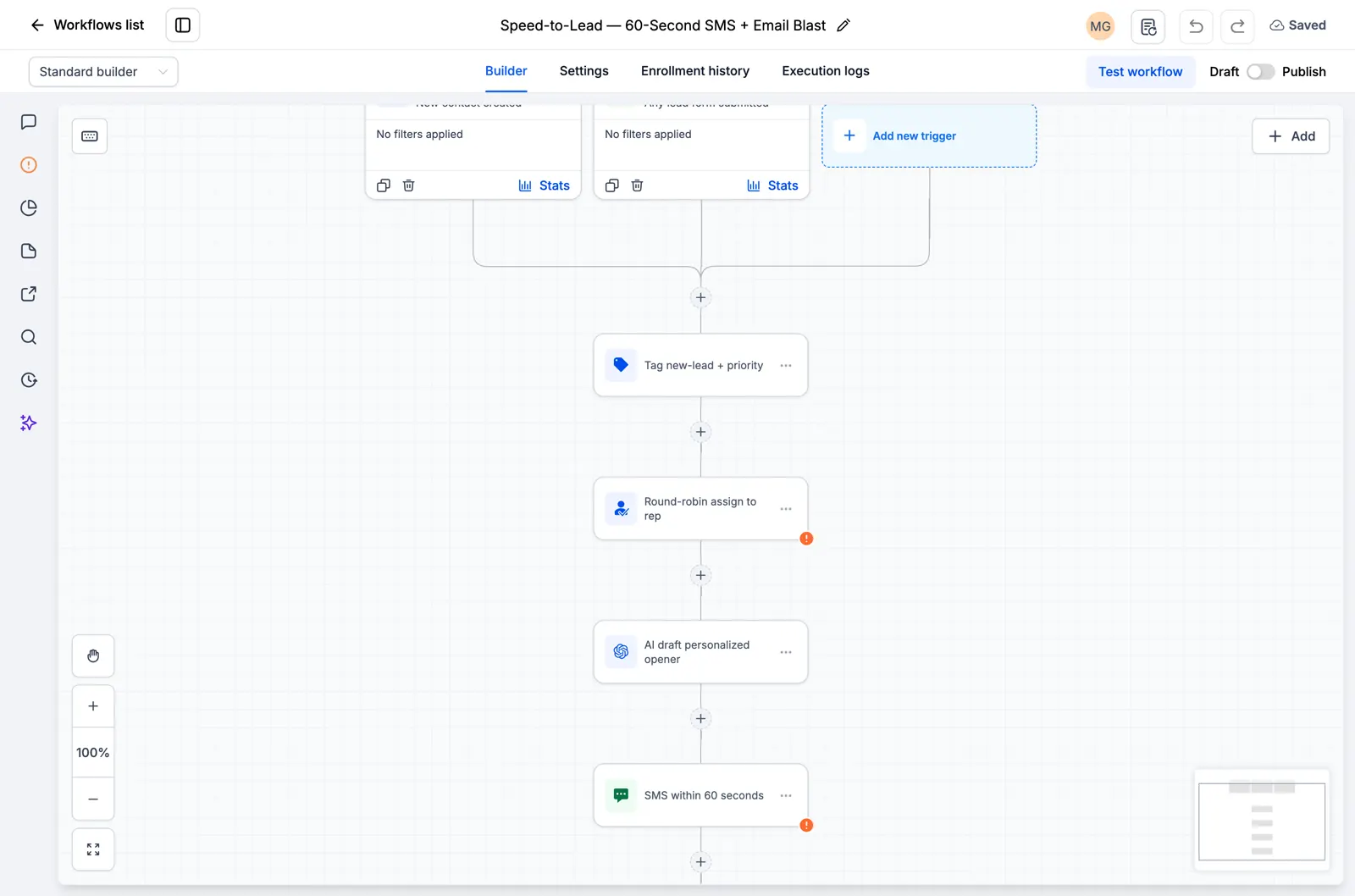
Every new contact triggers a call to an enrichment API, which saves the response and tags the contact. High-value leads get a priority text and a team alert instead of the standard path.
- Category: AI and integrations.
- 5 steps run automatically once the trigger fires.
- Join RocketLauncher University, free to join, to get this workflow and the other 29 in one import.
Trigger
A new contact is created in your account.
Steps
| # | Step | Action type | What it does |
|---|---|---|---|
| Trigger | New contact | Contact created | A new contact is created in your account. |
| 1 | Enrich via API | Custom webhook | Sends the data to an outside tool through a webhook: Enrich via API. |
| 2 | Tag enriched | Add contact tag | Tags the contact: Tag enriched. |
| 3 | High-value lead? | If else | Checks a condition and splits into two paths: High-value lead?. |
| 4 | Priority outreach | Sms | Sends a text message: "Priority outreach." |
| 5 | Alert team: high-value enriched lead | Internal notification | Sends your team an internal alert: Alert team: high-value enriched lead. |
What to set up before you turn it on
- Point the enrichment endpoint
- Map the saved response to a custom value/tag
How to test it worked
- Trigger the workflow with a test contact of your own, using a real phone number and email you control.
- Watch each step fire in order inside GoHighLevel and confirm the text and email actually arrive.
- Check that any tag, opportunity, or task the workflow creates shows up correctly before you send it to a real lead.
About 15 minutes to import and connect. Difficulty: beginner.