 2:50
2:50सारांश. GoHighLevel's Drip workflow action inserts a throttle point into any automation. You choose a batch size of up to 10,000 contacts and an interval between one minute and seven days, and the workflow releases that many contacts at each interval. Everyone else waits behind the gate until their turn comes, keeping your sending rate predictable and your infrastructure stable.
स्टेप
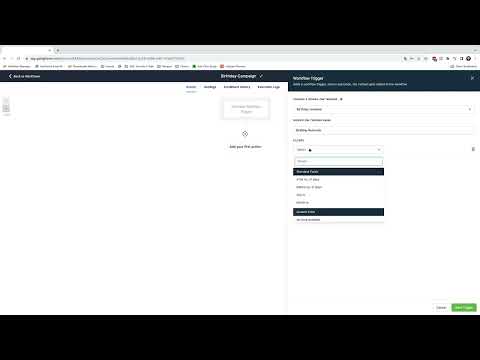
Open or create a workflow
Go to Automation, then Workflows, and open an existing workflow or click Create Workflow to start a new one.
Add the Drip action at the rate-limiting point
Click the plus icon at the position in your workflow where you want to control the flow. Search for Drip and select Drip Mode from the results.
Set the batch size and interval
Enter the number of contacts to release per batch (up to 10,000) and choose the time interval between batches. Options range from one minute to seven days. Set these based on your sending limits or engagement goals.