मेन्यू
RocketLauncher

AI & Voice Agents

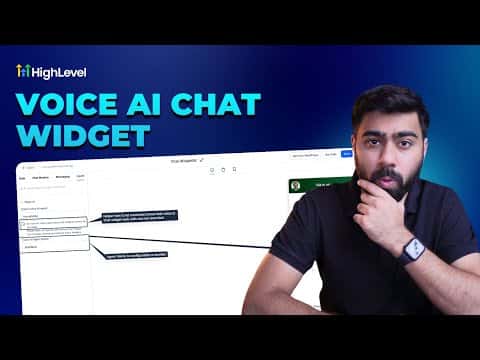
How to Add a Voice AI Agent Widget to Your Website in GoHighLevel

GoHighLevel lets you embed a Voice AI agent directly in your website or funnel as a chat widget. Visitors click a button and immediately speak with the AI agent in the browser, no phone dialing required. The setup connects an existing Voice AI agent to a new chat widget, which can then be embedded via code on any platform or linked to a GoHighLevel funnel in a few clicks.

अपडेट: 2 जून 2026

3:42

सारांश. Creating a Voice AI chat widget starts inside the Chat Widget settings where you select the Voice AI type instead of a standard text bot. After naming the widget, selecting an active Voice AI agent, and configuring HIPAA compliance options if needed, the widget generates an embed code for external sites or connects directly to a GoHighLevel funnel through the funnel's chat widget setting. Calls made through this widget are not recorded for compliance reasons.

लोग जो सवाल पूछते हैं

Are calls made through the voice AI chat widget recorded?

No, calls through the chat widget cannot be recorded for compliance reasons.

Does the visitor need to dial a phone number to talk to the voice agent?

No, the call happens in the browser with one click and no charges on the visitor's end.

Can this widget be embedded on WordPress or other non-GoHighLevel sites?

Yes, a standard embed code is available for any platform that accepts HTML snippets.

उन लोगों के साथ बनाएँ जो पहले बना चुके हैं।

फ्री कम्युनिटी से जुड़ें: हर हफ़्ते लाइव कॉल, एक स्टार्ट-हियर कोर्स और आपकी भाषा में बोलने वाले बिल्डर्स।

Skool पर फ्री जुड़ें