मेन्यू
RocketLauncher

Reporting & Dashboards

How to Create Branded Dashboards in GoHighLevel

GoHighLevel lets you replace its default branding with your own logo, custom domain, and color palette so clients log into your platform, not GoHighLevel's. Set this up once in agency settings under Company and then White Label. Each client sub-account gets its own dashboard you can tailor with widgets, themes, and role-based access, turning reporting into a credibility asset for your business.

अपडेट: 2 जून 2026

3:01

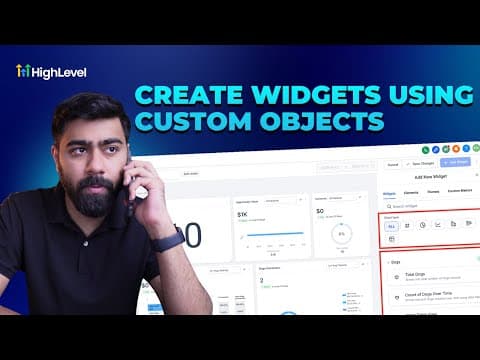
सारांश. GoHighLevel's white-label dashboard feature lets founders and agencies present a fully branded client portal under their own domain, logo, and colors. Clients see one centralized view of their KPIs, including leads, calls, appointments, and pipeline, without any GoHighLevel branding in sight. Dashboards are customizable per sub-account with drag-and-drop widgets and preset color themes.

लोग जो सवाल पूछते हैं

Where do I find the white-label settings in GoHighLevel?

Go to Settings, then Company, then click White Label in the agency view.

Can each client have a different dashboard layout?

Yes, each sub-account dashboard is edited independently with its own widgets and theme.

What widgets can I add to a client dashboard?

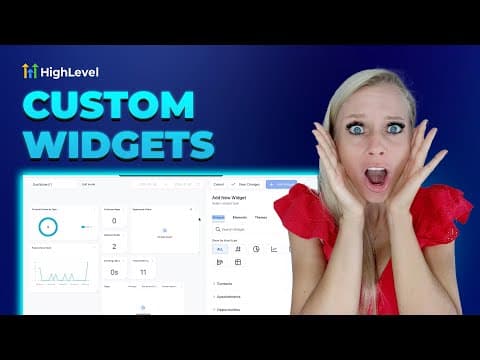
Leads, calls, appointments, pipeline value, open opportunities, and more are available.

उन लोगों के साथ बनाएँ जो पहले बना चुके हैं।

फ्री कम्युनिटी से जुड़ें: हर हफ़्ते लाइव कॉल, एक स्टार्ट-हियर कोर्स और आपकी भाषा में बोलने वाले बिल्डर्स।

Skool पर फ्री जुड़ें