मेन्यू
RocketLauncher

Getting Started & General

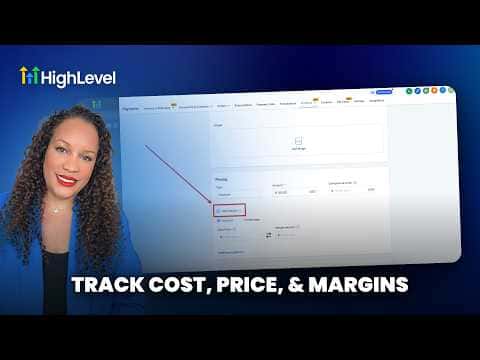
How to Track Product Margins in GoHighLevel for Ecommerce

GoHighLevel's ecommerce product settings include a cost-of-goods field that lets you record what each item costs you to produce or source. Once filled in, the platform calculates and displays the margin for each product so you can see at a glance which items are profitable and which are not, without leaving your GoHighLevel account.

अपडेट: 2 जून 2026

2:33

सारांश. GoHighLevel lets you attach a cost-of-goods value to each ecommerce product alongside its selling price. The platform then surfaces the margin automatically, giving store owners a quick view of per-product profitability. This removes the need for a separate spreadsheet and keeps financial data tied directly to the products you are selling.

लोग जो सवाल पूछते हैं

Where do I enter the cost of goods for a product in GoHighLevel?

Open Payments, select Products, pick the product, and enter the cost field.

Does GoHighLevel calculate margin automatically once I add cost data?

Yes. The platform computes margin from the price and cost you enter.

उन लोगों के साथ बनाएँ जो पहले बना चुके हैं।

फ्री कम्युनिटी से जुड़ें: हर हफ़्ते लाइव कॉल, एक स्टार्ट-हियर कोर्स और आपकी भाषा में बोलने वाले बिल्डर्स।

Skool पर फ्री जुड़ें