 1:46
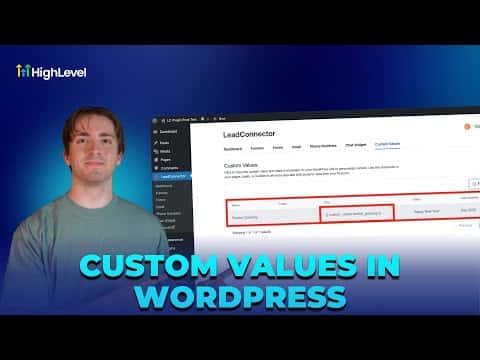
1:46सारांश. The LeadConnector WordPress plugin creates a bridge between GoHighLevel custom values and your WordPress site content. After connecting the plugin, a list of shortcodes appears in the plugin panel, one for each custom value in your account. Copy any shortcode, paste it into a WordPress page or post editor, and the page will display the live value from GoHighLevel.
स्टेप
Access your WordPress admin
Go to Sites, then WordPress, and click Manage on the site you want. Then click WP Admin to open the WordPress dashboard.
Connect the LeadConnector plugin
If the plugin shows as not connected, click Connect and log in to your GoHighLevel account to link the two.
Copy a custom value shortcode
Open the LeadConnector plugin panel inside WordPress. You will see a list of custom keys from your GoHighLevel account. Click Copy next to the one you want.
Paste the shortcode into your page
Open the WordPress page or post you want to update, paste the shortcode where you want the value to appear, and save. The page will render the live GoHighLevel value.