मेन्यू
RocketLauncher

Funnels & Websites

How to Optimize Image Sizes in GoHighLevel for Mobile and Desktop

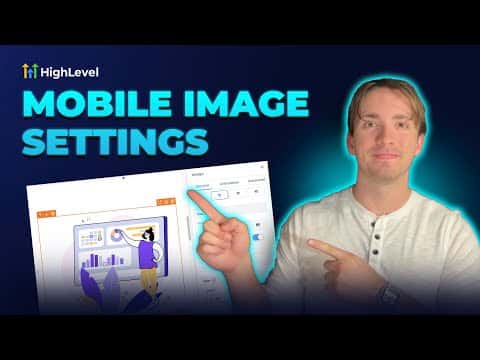
Images that look fine on desktop can slow down or crop badly on mobile if their dimensions and file size are not tuned for both views. GoHighLevel's page builder lets you set different image display sizes per breakpoint so you can control how an image appears on each device type without uploading separate files.

अपडेट: 2 जून 2026

1:54

सारांश. GoHighLevel's funnel and website builder includes breakpoint controls that let you adjust how images display on desktop versus mobile. Setting appropriate dimensions and keeping file sizes reasonable keeps pages loading quickly and images presenting cleanly on every screen size. This is a quick configuration step inside the image element settings.
लोग जो सवाल पूछते हैं

Can I set different image sizes for desktop and mobile in GoHighLevel?

Yes. The page builder has per-breakpoint controls so desktop and mobile can show different dimensions.

What image formats does GoHighLevel support for funnels?

PNG, JPEG, WebP, SVG, ICO, GIF, and TIFF are all supported.

Is there a file size limit for images in GoHighLevel?

The media library allows up to 100 MB per image file for funnels and websites.

उन लोगों के साथ बनाएँ जो पहले बना चुके हैं।

फ्री कम्युनिटी से जुड़ें: हर हफ़्ते लाइव कॉल, एक स्टार्ट-हियर कोर्स और आपकी भाषा में बोलने वाले बिल्डर्स।

Skool पर फ्री जुड़ें