 5:02
5:02सारांश. The Proposals and Estimates feature in GoHighLevel ships with a plain default email for delivering documents to clients. You can replace it by creating an email template in the standard email builder, using the proposal custom field variables to pull in the document name and link, and then selecting that template in the Proposals settings. This keeps your document delivery on-brand and matching your agency or business identity.
स्टेप
Open Email Templates
Go to Marketing > Email Templates and click to create a new template. You can start from an existing design or a blank canvas.
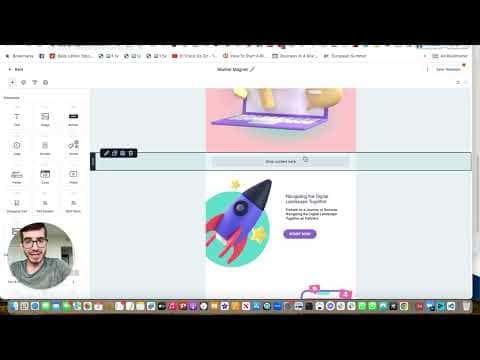
Build the proposal email body
Add your company logo, a greeting using the Contact First Name custom field, and a short line referencing the Company Name custom field. Keep the body concise since the proposal itself is the main content.
Add a proposal link button
Insert a button element. Set the button label to something like the document name (using the proposal name custom field if available) and set the URL to the proposal URL custom field. This gives the recipient a single click to view the document.
Save and name the template
Name the template clearly (for example, 'Proposal Email Template') so it is easy to find. Save it.
Apply the template in Proposals settings
Go to Payments > Proposals and Estimates > Settings. Find the field for the email template used when sending proposals and select your new template. Save the settings.