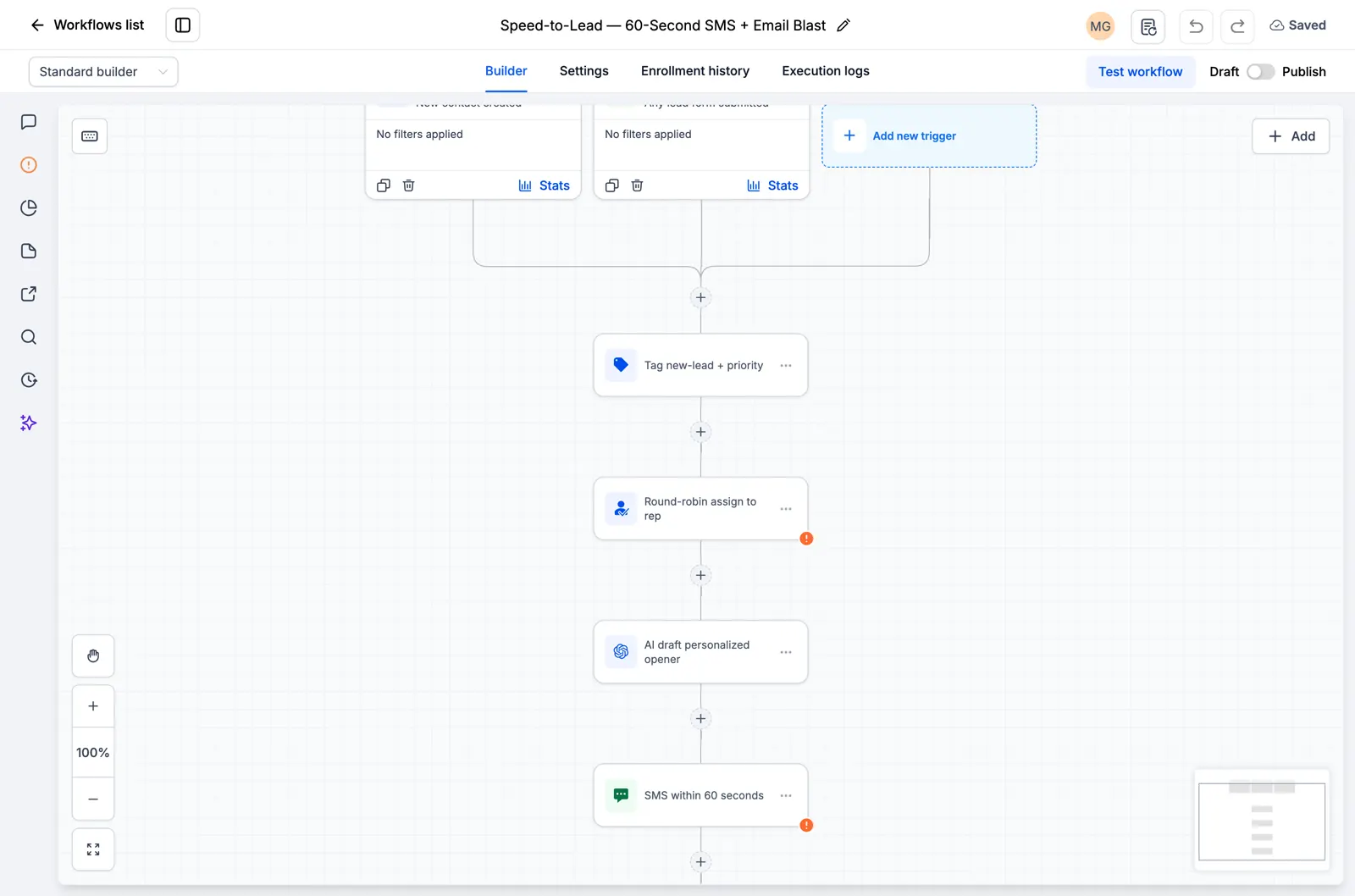
When a contact gets tagged hot, this workflow fires an internal notification, pings your team in Slack, assigns an owner, and creates a call task, all at the same time.
- Category: AI and integrations.
- 4 steps run automatically once the trigger fires.
- Join RocketLauncher University, free to join, to get this workflow and the other 29 in one import.
Trigger
A contact gets tagged (Tagged hot).
Steps
| # | Step | Action type | What it does |
|---|---|---|---|
| Trigger | Tagged hot | Contact tag | A contact gets tagged (Tagged hot). |
| 1 | Internal notification: hot lead | Internal notification | Sends your team an internal alert: Internal notification: hot lead. |
| 2 | Slack ping the team | Slack message | Posts a message in your team's Slack: Slack ping the team. |
| 3 | Assign an owner | Assign user | Assigns the contact to a team member on a round robin (Assign an owner). |
| 4 | Task: call hot lead now | Add notes | Creates a task or note for your team: Task: call hot lead now. |
What to set up before you turn it on
- Connect Slack + pick the channel
- Add reps to assign
How to test it worked
- Trigger the workflow with a test contact of your own, using a real phone number and email you control.
- Watch each step fire in order inside GoHighLevel and confirm the text and email actually arrive.
- Check that any tag, opportunity, or task the workflow creates shows up correctly before you send it to a real lead.
About 15 minutes to import and connect. Difficulty: beginner.