AI & Voice Agents

How to Configure Agent Studio Triggers in GoHighLevel

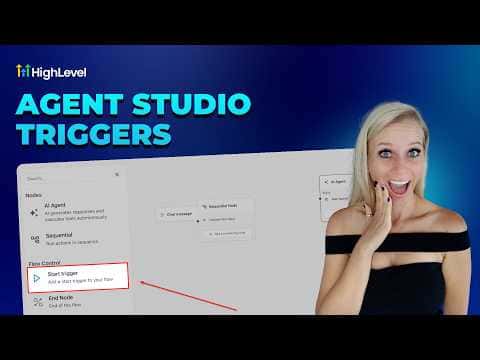
Agent Studio triggers in GoHighLevel start an AI agent automatically when a specific event occurs, such as a form submission, a tag being added, or a chat message arriving. The agent runs in the background without interfering with existing workflows, making this approach well suited to high-volume situations where you need fast, event-driven responses at scale.

Actualizado el 2 de junio de 2026

5:32

Resumen. Setting up a trigger inside Agent Studio is a matter of adding a Start Trigger node to the canvas and selecting the trigger type: form submitted, lead tag added or removed, chat message received, or a workflow event. Each trigger type exposes relevant variables to the agent, such as submitted form fields or contact tags, which the agent can reference in subsequent steps. A built-in test mode runs a safe simulation against a selected contact without affecting live records.
Preguntas frecuentes

What trigger types are available in Agent Studio?

Form submitted, lead tag added or removed, chat message received, and workflow triggers.

Does saving an agent in Agent Studio publish it immediately?

No, saving stores a staging version. You must click publish to make it live.

Can Agent Studio triggers run at the same time as existing workflows?

Yes, agents run in the background without interfering with other active workflows.

Constrúyelo con gente que ya lo hizo.

Únete a la comunidad gratis: llamadas en vivo cada semana, un curso para empezar y gente que construye en tu idioma.

Únete gratis en Skool