Payments & Invoicing

How to Add Recurring and One-Time Products to Payment Links in GoHighLevel

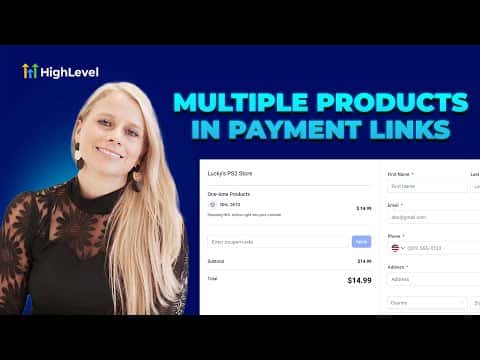
GoHighLevel payment links support both one-time and recurring products in a single link. Instead of sending separate links for a course and a subscription, you combine them into one checkout. Customers see both product types clearly labeled, and you control whether they can adjust quantities. One link, one checkout, cleaner experience for everyone.

Actualizado el 2 de junio de 2026

3:42

Resumen. Payment links in GoHighLevel can carry both one-time and recurring products at the same time, removing the need to send multiple checkout URLs. You configure each product separately, set quantity rules, add a post-payment redirect, and control when the link expires. The finished link can be personalized per contact and sent directly via email or SMS from inside the platform.

Preguntas frecuentes

Can one payment link include both a subscription and a one-time product?

Yes. Add both product types; they appear under separate headings at checkout.

How do I send a personalized payment link to a specific contact?

Use the copy-and-send option, search the contact, and copy the pre-filled link.

Can I set an expiry date on a payment link?

Yes. Enable auto-deactivation and choose the date and time it closes.

Constrúyelo con gente que ya lo hizo.

Únete a la comunidad gratis: llamadas en vivo cada semana, un curso para empezar y gente que construye en tu idioma.

Únete gratis en Skool