Integrations & API

How to Integrate WooCommerce with GoHighLevel

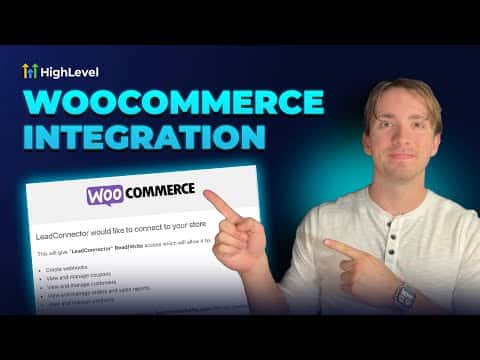
GoHighLevel's WooCommerce integration lets you connect an existing WordPress store to your sub-account so that contacts, orders, and payments sync automatically into the CRM. Go to Integrations inside your sub-account settings, enter your store URL, choose which data to import, configure the sync triggers, and authorize the connection on the WooCommerce side.

Actualizado el 2 de junio de 2026

2:34

Resumen. GoHighLevel includes a native WooCommerce integration that pulls contacts, orders, and transactions from an existing WooCommerce store into the sub-account CRM. Once connected, order and payment triggers can drive workflows and automations. All imported orders appear in the Payments section, imported contacts appear in the CRM, and each order record shows its WooCommerce source.
Preguntas frecuentes

Where do I find the WooCommerce integration in GoHighLevel?

Go to Settings, then Integrations, and scroll to the bottom of the list.

Do I need to enter my store URL with a trailing slash?

No. Leave out any trailing slash when entering your WooCommerce store link.

What data can I import from WooCommerce?

You can import contacts, orders, and transactions, each controlled by a toggle.

Constrúyelo con gente que ya lo hizo.

Únete a la comunidad gratis: llamadas en vivo cada semana, un curso para empezar y gente que construye en tu idioma.

Únete gratis en Skool