Integrations & API

How to Integrate WooCommerce with GoHighLevel

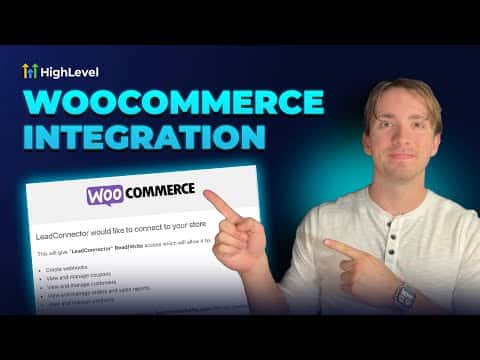
GoHighLevel's WooCommerce integration lets you connect an existing WordPress store to your sub-account so that contacts, orders, and payments sync automatically into the CRM. Go to Integrations inside your sub-account settings, enter your store URL, choose which data to import, configure the sync triggers, and authorize the connection on the WooCommerce side.

2026年6月2日に更新

2:34

概要. GoHighLevel includes a native WooCommerce integration that pulls contacts, orders, and transactions from an existing WooCommerce store into the sub-account CRM. Once connected, order and payment triggers can drive workflows and automations. All imported orders appear in the Payments section, imported contacts appear in the CRM, and each order record shows its WooCommerce source.
よくある質問

Where do I find the WooCommerce integration in GoHighLevel?

Go to Settings, then Integrations, and scroll to the bottom of the list.

Do I need to enter my store URL with a trailing slash?

No. Leave out any trailing slash when entering your WooCommerce store link.

What data can I import from WooCommerce?

You can import contacts, orders, and transactions, each controlled by a toggle.

すでに作った人たちと、一緒に作ろう。

無料コミュニティに参加しましょう。毎週のライブ通話、最初に見るコース、あなたの言語のビルダーがいます。

Skoolに無料で参加