 1:08
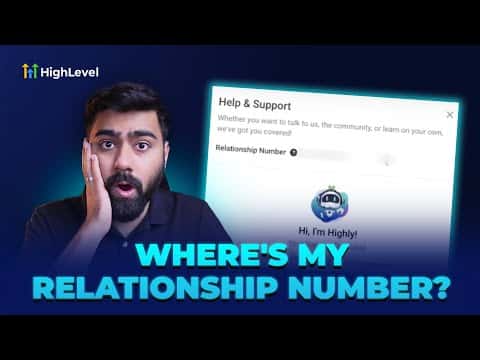
1:08Resumo. This tutorial covers two quick methods for locating the seven-digit relationship number tied to a GoHighLevel agency account. The number is required when contacting GoHighLevel support or customer success so they can identify and assist your account efficiently. Access is limited to agency admins and owners; users with standard account access cannot view it.
O que você vai aprender
- What the relationship number is and why GoHighLevel support needs it
- How to find the number via the question mark icon in the top-right corner
- How to find it through Agency Settings under Company
- Which user roles can see the relationship number
Passos
Method 1: Use the question mark icon
While logged in to your agency account, look for the question mark icon in the top-right corner of the screen and click it. Your seven-digit relationship number appears directly in the panel that opens.
Method 2: Go through Agency Settings
Switch to the agency view using the dropdown at the top of the platform. Navigate to Settings, then select Company from the left menu. Scroll through the right-hand side of the page to find your relationship number.
Copy and share with support
Copy the number and paste it when a GoHighLevel support or customer success representative asks for it. This lets them pull up your account without you needing to verify additional details.
Dicas
- Only agency admins and owners can view the relationship number. If you are on a user-level account, switch to agency view or ask your admin.
- Keep the number handy before opening a support ticket so the conversation moves faster.