Integrations & API

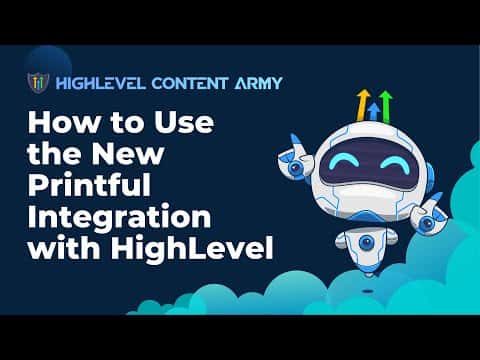
How to Use the Printful Integration with GoHighLevel

GoHighLevel's Printful integration connects a print-on-demand dropshipping store directly to your sub-account. Install the Printful app from the Integrations section, authorize it on Printful's side, and your products sync into the GoHighLevel e-commerce store so you can sell branded merchandise without managing fulfillment yourself.

Atualizado em 2 de junho de 2026

7:29

Resumo. GoHighLevel added a native Printful integration that allows sub-accounts to sell print-on-demand products through the built-in e-commerce store. After installing the Printful app and authorizing the connection, products created in Printful sync to a GoHighLevel store under the Lead Connector name. Orders placed through GoHighLevel route to Printful for fulfillment automatically, and customer data syncs back to the CRM.

Perguntas frequentes

Where do I install the Printful app in GoHighLevel?

Go to Settings, then Integrations, and find Printful near the bottom of the list.

Can I import existing Printful product templates into my GoHighLevel store?

Yes. During setup you can select and import templates you already created in Printful.

Does GoHighLevel also list Printful in its marketplace?

Yes. Printful appears in the external GoHighLevel marketplace at marketplace.gohighlevel.com.

Crie com quem já criou.

Entre na comunidade gratuita: lives semanais, um curso para começar e criadores no seu idioma.

Entre de graça no Skool