Integrations & API

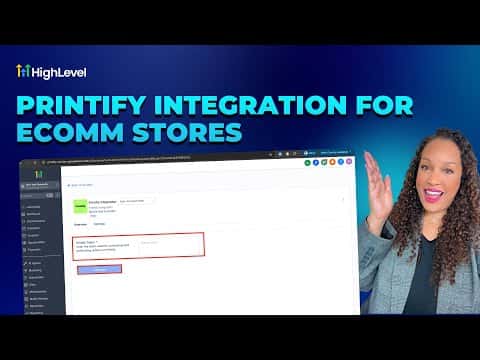
How to Integrate Printify with GoHighLevel

Connecting Printify to GoHighLevel links a print-on-demand store to the sub-account CRM and e-commerce tools. Go to Settings, then Integrations, find Printify, and follow the authorization steps. Once connected, products sync into your GoHighLevel store and orders route to Printify for fulfillment automatically.

Atualizado em 2 de junho de 2026

2:10

Resumo. GoHighLevel's Printify integration allows sub-accounts to sell print-on-demand products without a separate storefront. After connecting through the Integrations page, Printify products appear inside the GoHighLevel e-commerce section. Orders placed by customers flow to Printify for production and shipping, while contact and order data stays inside the GoHighLevel CRM for follow-up and automation.


Perguntas frequentes

Where do I find the Printify integration inside GoHighLevel?

Go to Settings, then Integrations, and look for Printify in the list.

Is Printify similar to Printful in how it connects to GoHighLevel?

Yes. Both are print-on-demand services that connect through the Integrations section.

Do I need an existing Printify account before connecting?

Yes. Create and log in to your Printify account before starting the integration.

Crie com quem já criou.

Entre na comunidade gratuita: lives semanais, um curso para começar e criadores no seu idioma.

Entre de graça no Skool