 1:27
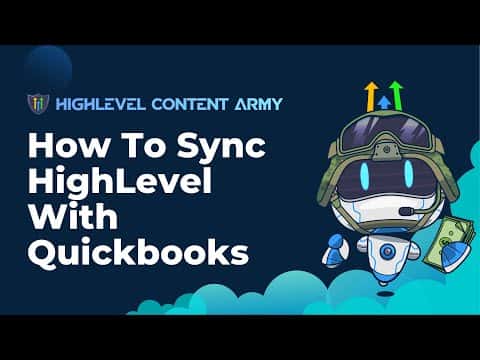
1:27Resumo. This tutorial shows how to connect QuickBooks to a GoHighLevel sub-account through the built-in Integrations section. Once authorized, the two platforms sync invoice and payment data bidirectionally, so sales created in GoHighLevel appear in QuickBooks for accounting without manual data entry. The process takes only a few minutes and requires an active QuickBooks account.
O que você vai aprender
- Where to find the QuickBooks connection option inside GoHighLevel
- How to authorize the connection using the QuickBooks wizard
- How to configure invoice triggers so data syncs automatically
- What types of data GoHighLevel sends to QuickBooks
Passos
Open a second browser tab with QuickBooks
Sign in to QuickBooks before starting the connection. Having it open in another tab speeds up the authorization step.
Go to Settings, then Integrations
Inside your GoHighLevel sub-account, click Settings in the left sidebar, then select Integrations from the menu.
Click Connect QuickBooks
Scroll to the QuickBooks section and click Connect. A connection wizard will appear.
Authorize the account
The wizard will ask you to confirm which QuickBooks account to link. Select the correct account and click OK to approve the connection.
Configure the invoice trigger
Set up the trigger so that when a new invoice fires in GoHighLevel it pushes the data to QuickBooks. You can adjust this setting at any time after the initial setup.
Refresh and verify
After saving, refresh the page. Check QuickBooks to confirm it is receiving data from GoHighLevel, including sales, invoices, and associated contact records.
Dicas
- Have your QuickBooks account open and logged in before starting to avoid delays during authorization.
- Test with a sample invoice after connecting to confirm data is flowing correctly.