Getting Started & General

Use Bulk Actions on the GoHighLevel Product Page

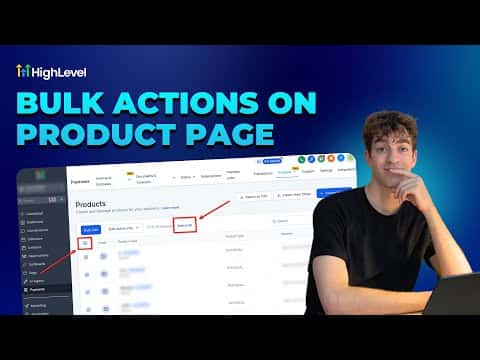
GoHighLevel's product page includes bulk action tools that let you update, archive, or delete multiple products at once instead of editing them one by one. Select the products you want to change, choose an action from the bulk menu, and apply it across your entire selection in a few clicks. This is especially useful when you are reorganizing a store with a large catalog.

Atualizado em 2 de junho de 2026

3:09

Resumo. The GoHighLevel Products section supports bulk actions so you can manage many products at once without opening each record individually. You can select multiple products and apply actions like archiving or deleting in a single step, which keeps your ecommerce catalog organized with much less manual work.


Perguntas frequentes

Where do I find the bulk actions on the product page?

Go to Payments, then Products. Select items using the checkboxes to reveal the bulk action menu.

Can I bulk-archive products without deleting them?

Yes, archiving is available as a bulk action and keeps the product data intact.

Is there a limit to how many products I can select at once?

GoHighLevel allows selecting all visible products on the current page for bulk actions.

Crie com quem já criou.

Entre na comunidade gratuita: lives semanais, um curso para começar e criadores no seu idioma.

Entre de graça no Skool