 3:51
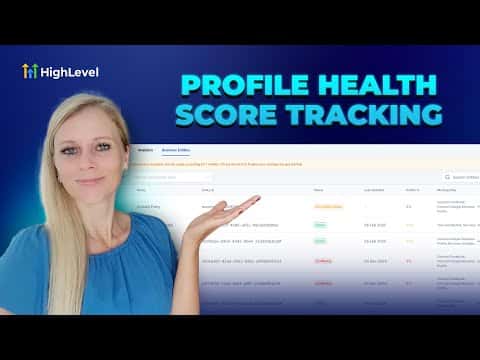
3:51Resumo. The GoHighLevel profile progress tracker scans your business information across dozens of online directories and scores how complete your listing is. It produces a personalized checklist of missing or conflicting data, such as unconnected social accounts or incomplete contact details, so you can work through the highest-priority fixes first and improve your local visibility.
Passos
Scan your business
Click Reputation on the left sidebar, select Listings, and click Scan My Business for Free. Enter your business name, address, phone number, and city, then click Scan.
Review your online presence report
The system shows which directories list your business and where you are missing or have conflicting information. Check the Overview tab for a summary of publishers, categories, and social presence.
Work through the smart to-do list
Scroll to the smart to-do list and complete each action item, such as connecting your Facebook page or filling in missing business hours. Items are ordered by urgency.
Activate your listing and resolve conflicts
In the Business Entities tab, find any listings marked Incomplete or Conflicted and update them until the status changes to Active.