Funnels & Websites

WordPress Site Performance Reports in GoHighLevel

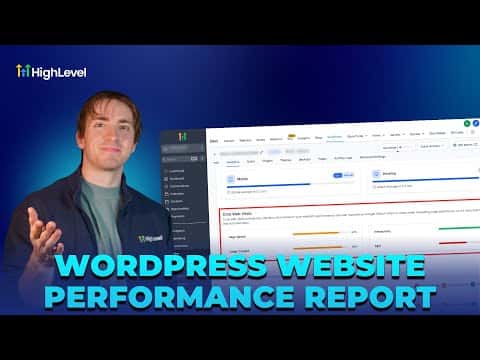
GoHighLevel's WordPress performance report pulls page speed scores, Core Web Vitals, and a full page health audit into one dashboard. Open Sites, pick your WordPress site, navigate to Analytics, then click Fetch Report. You get separate scores for desktop and mobile, a list of items to fix immediately, items to consider fixing, and items that already pass. All data lives inside GoHighLevel so you never need a separate tool.

Atualizado em 2 de junho de 2026

2:03

Resumo. GoHighLevel includes a built-in performance report for WordPress sites hosted on the platform. After fetching the report, the dashboard shows page speed scores for both desktop and mobile, Core Web Vitals breakdowns, and a page health audit that flags JavaScript issues, image delivery problems, CSS file usage, and unused CSS. The tool centralizes all site analytics in one place without requiring third-party speed testing services.


Perguntas frequentes

Where do I find the WordPress performance report in GoHighLevel?

Go to Sites, WordPress, then Manage Website, and open the Analytics tab.

Does the report show both mobile and desktop scores?

Yes, separate scores appear for desktop and mobile in every section.

What does the page health section check?

It flags JavaScript, image delivery, CSS usage, and unused CSS as pass, consider, or fix.

Crie com quem já criou.

Entre na comunidade gratuita: lives semanais, um curso para começar e criadores no seu idioma.

Entre de graça no Skool