 7:19
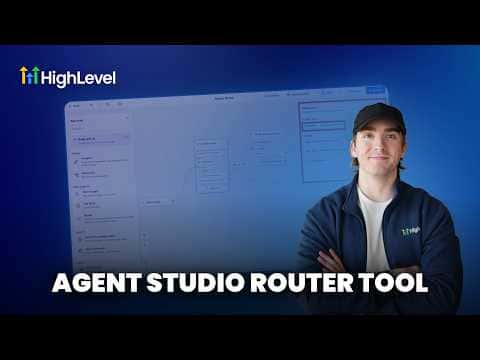
7:19概要. GoHighLevel Agent Studio's Router tool controls which path a contact or lead follows inside a multi-step AI agent. The AI Router mode reads conversation context and routes dynamically without extra prompting, while the Conditional Router lets you define exact conditions using custom variables, time checks, or other field values. Both modes are configurable from within the router node in Agent Studio.
ステップ
Open your agent in Agent Studio
Navigate to AI Agents, then Agent Studio, and open the agent you want to add routing to.
Add a Router tool to the node
Click Add Tool on the relevant node and select Router. New AI agent nodes include a router by default.
Choose AI Router or Conditional Router
Select AI Router if you want the model to decide based on prompt context. Select Conditional Router to define if/and/or logic with specific field values.